Craftopia: forever building 2

I’ve been wanting to add to my base a bit more, but have been unsure of what to add. I started with a guest house, some furniture for my Gacha house, some work on the upper floor and then an animal pen on the backside.

The guest house
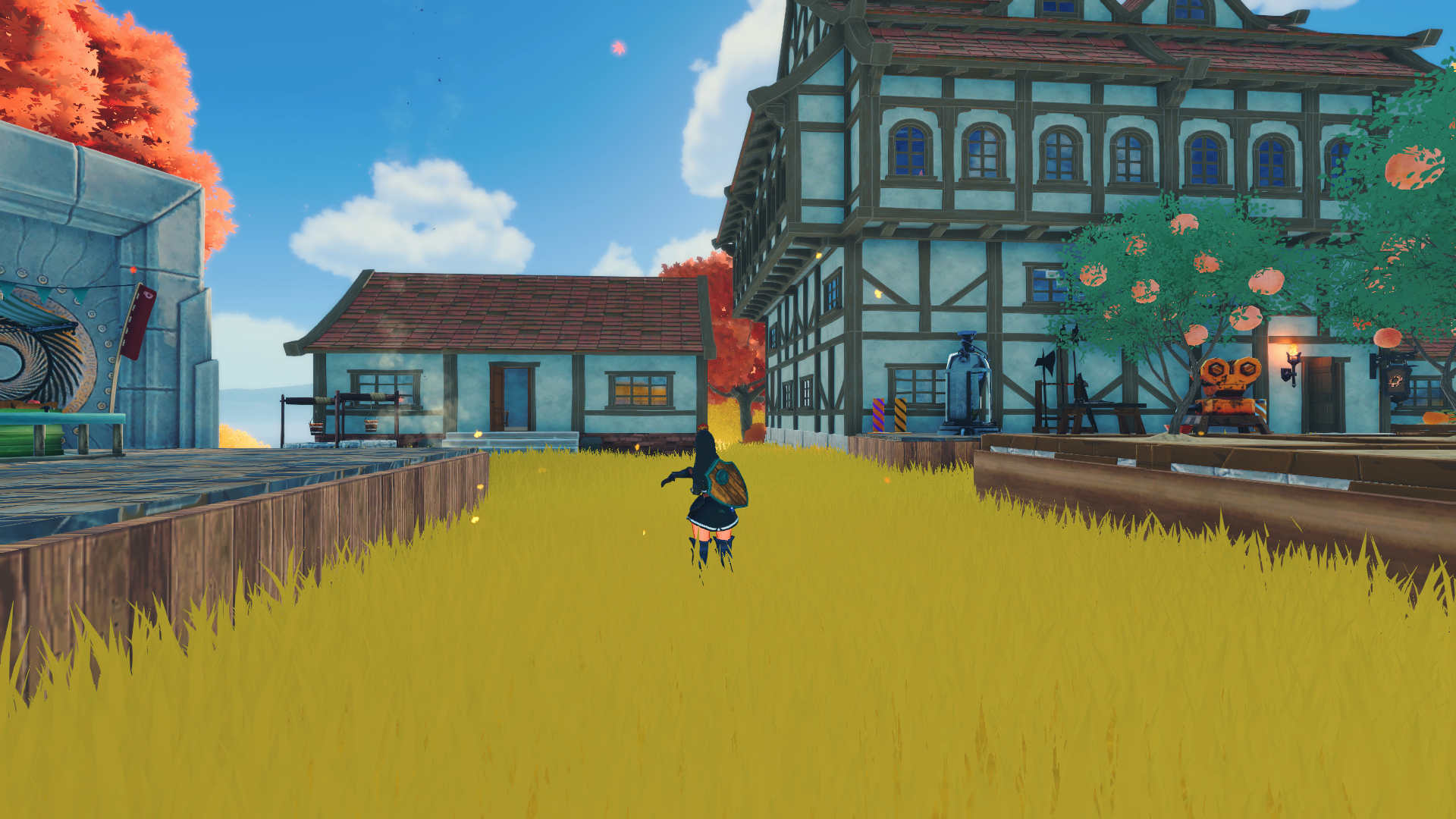
The guest house is located just to the left of my main base, and has a cozy home feel to it. Tried to use some different interior inside as well, compared to most of my other houses.
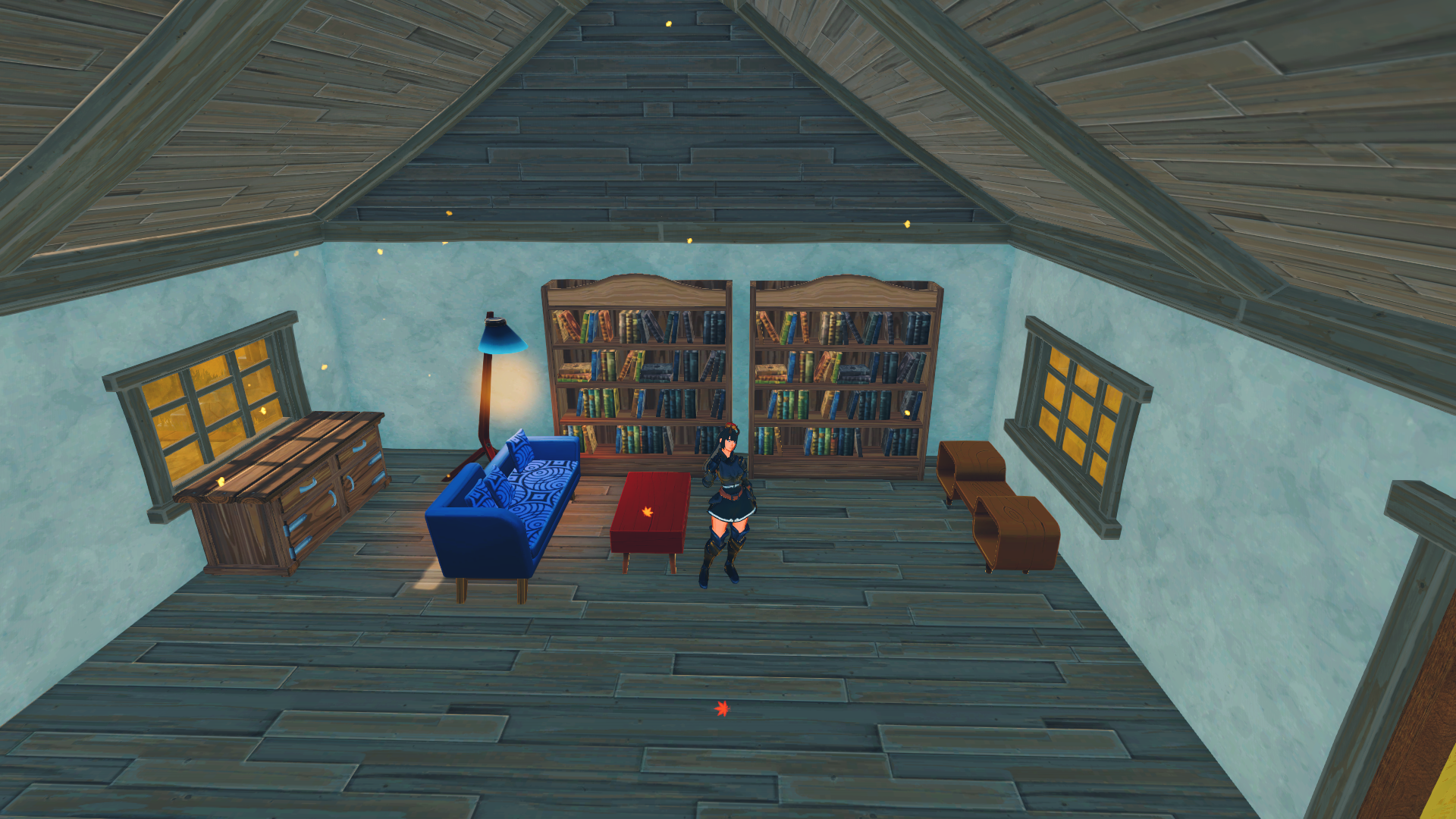
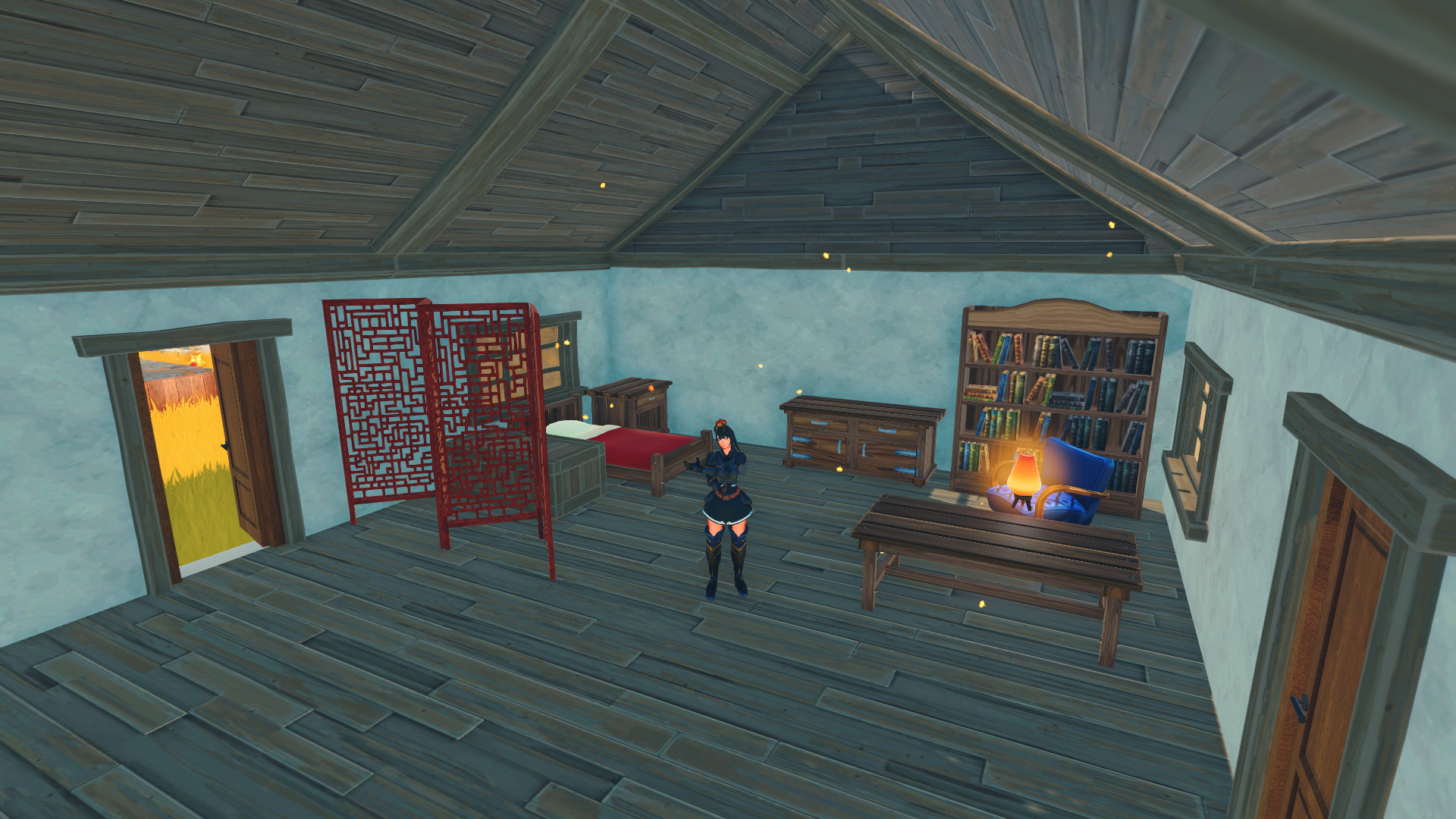
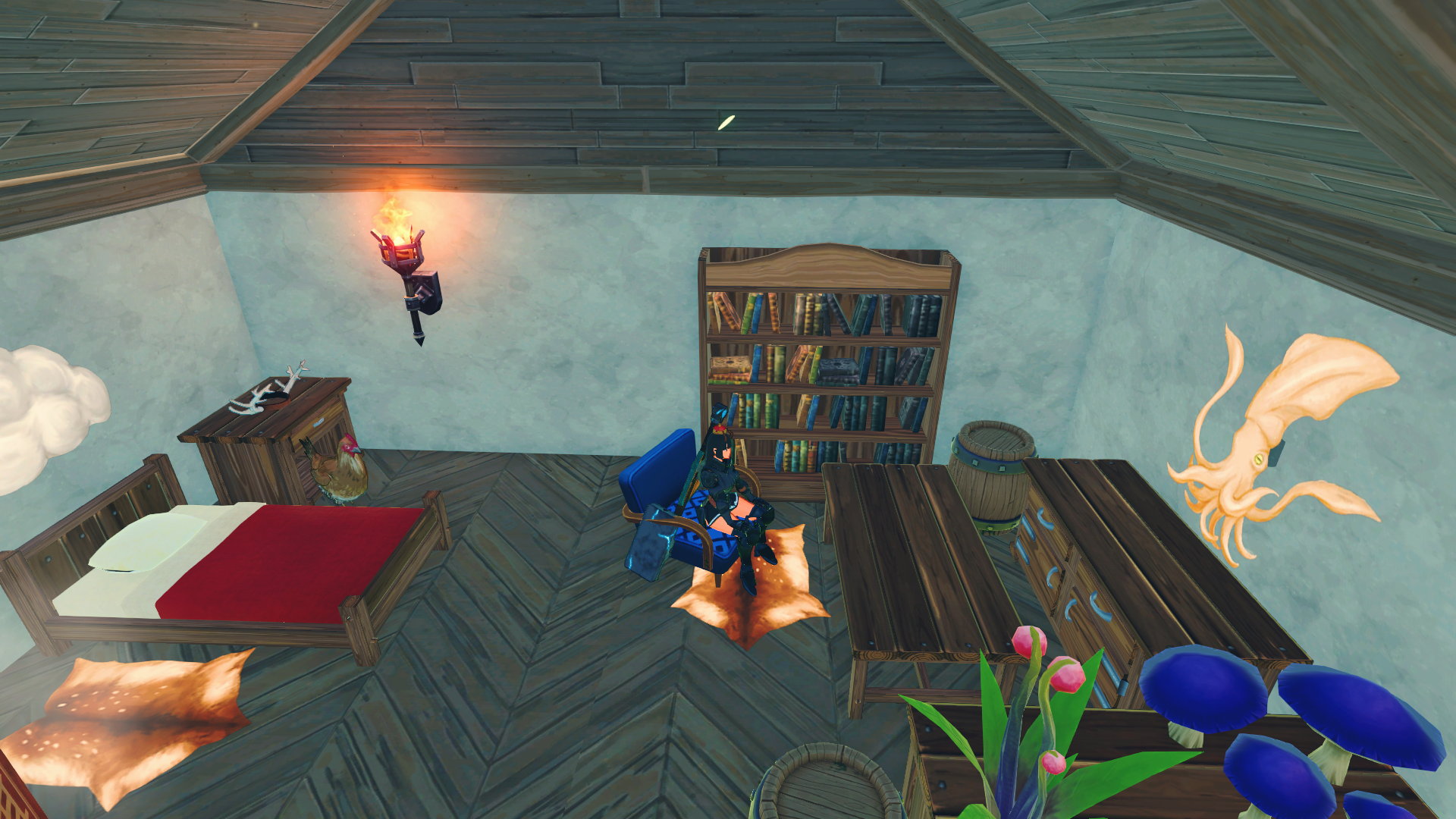
Guest house is also still a work in progress, I kinda procastinated working on the loft. On the top picture you can se the cozy living room corner, with a nice new blue sofa, a fancy table, and some fancy shelving. I had to get some special material (rubber) to make the shelves, and the rubber trees are limited to the poison biom. I still think the tiny living room corner is starting to take shape. On the bottom picture you can see the bedroom corner and the cozy reading corner. I tried making the bedroom part a bit shielded from the other part of the room with the screen. Shame it can’t be dyed, it’s pretty but it’s red. You can also see that some items (lamp) just doesn’t want to spawn in the same place when it loads in. A lot of singular items moves around and sometimes they just fall off tables.

The Gacha house
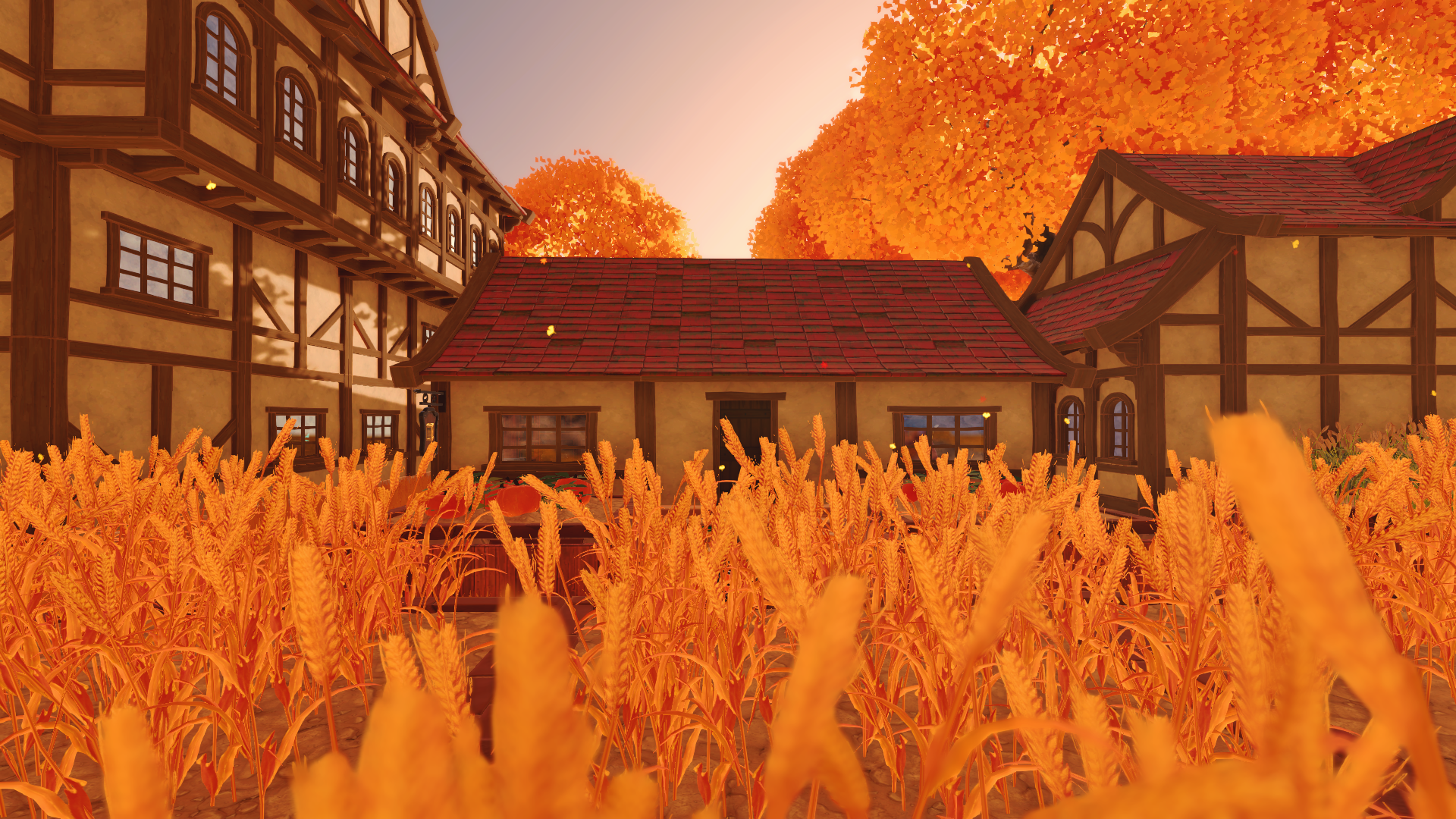
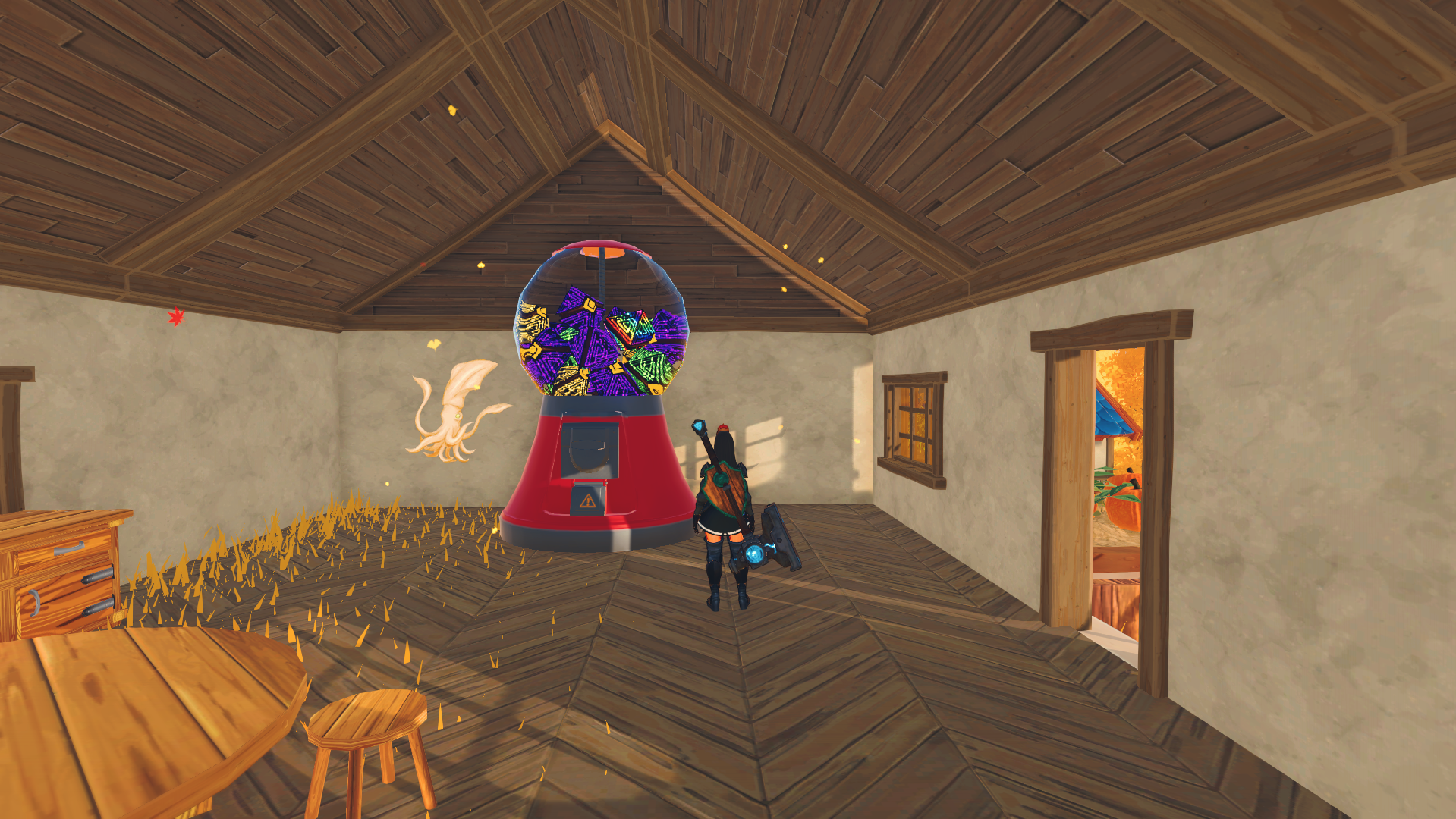
The Gacha house is named so after the giant gacha machine inside the building. Craftopia has a gacha system (yes, but bear with me). When defeating field bosses and dungeon bosses you sometimes get a gacha coin you can use in the gacha machine. The trader will also sometimes have gacha coins you can buy. The funny thing with the gacha machine and coins is that you get random enchantments on the items you get.
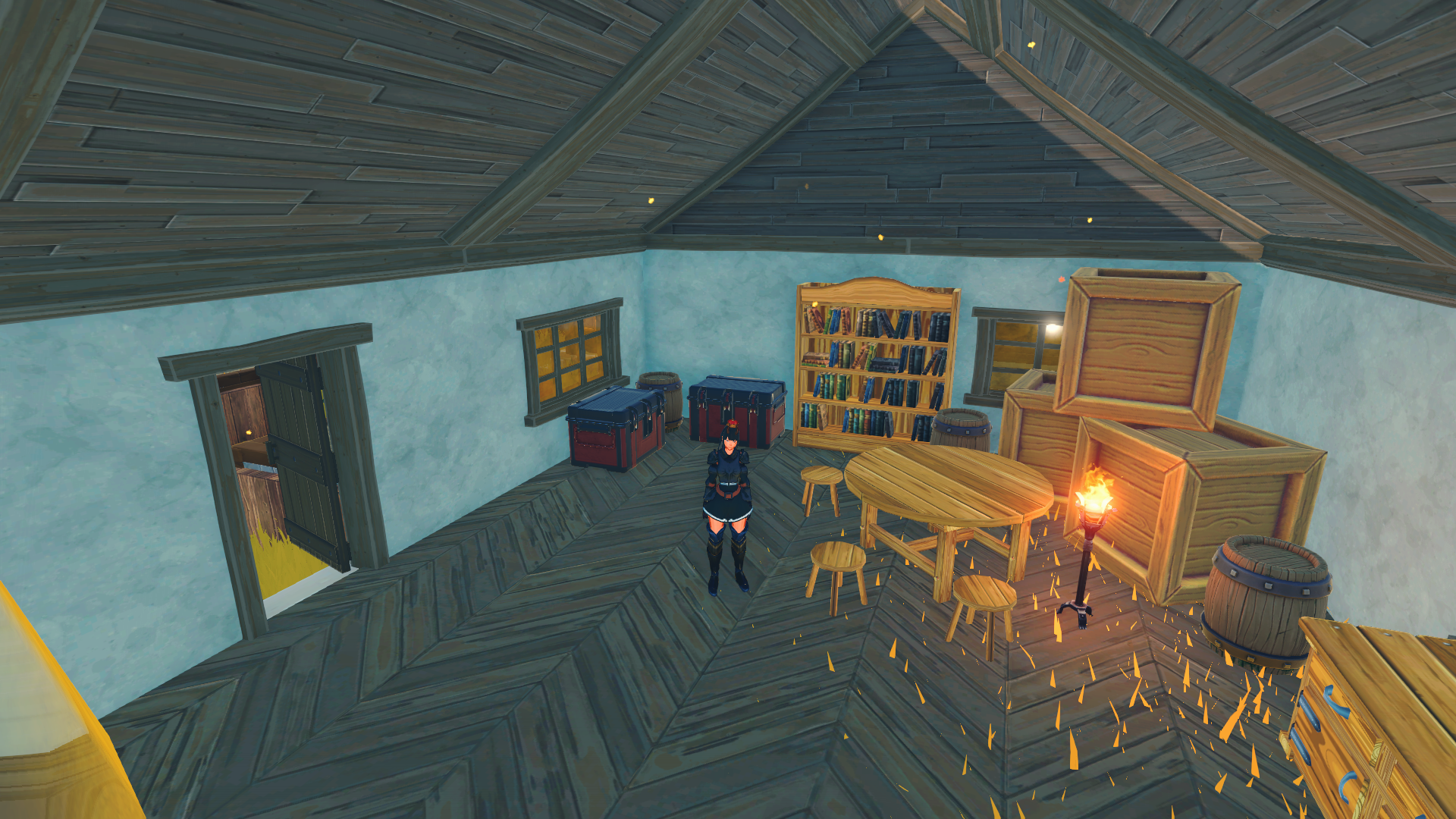
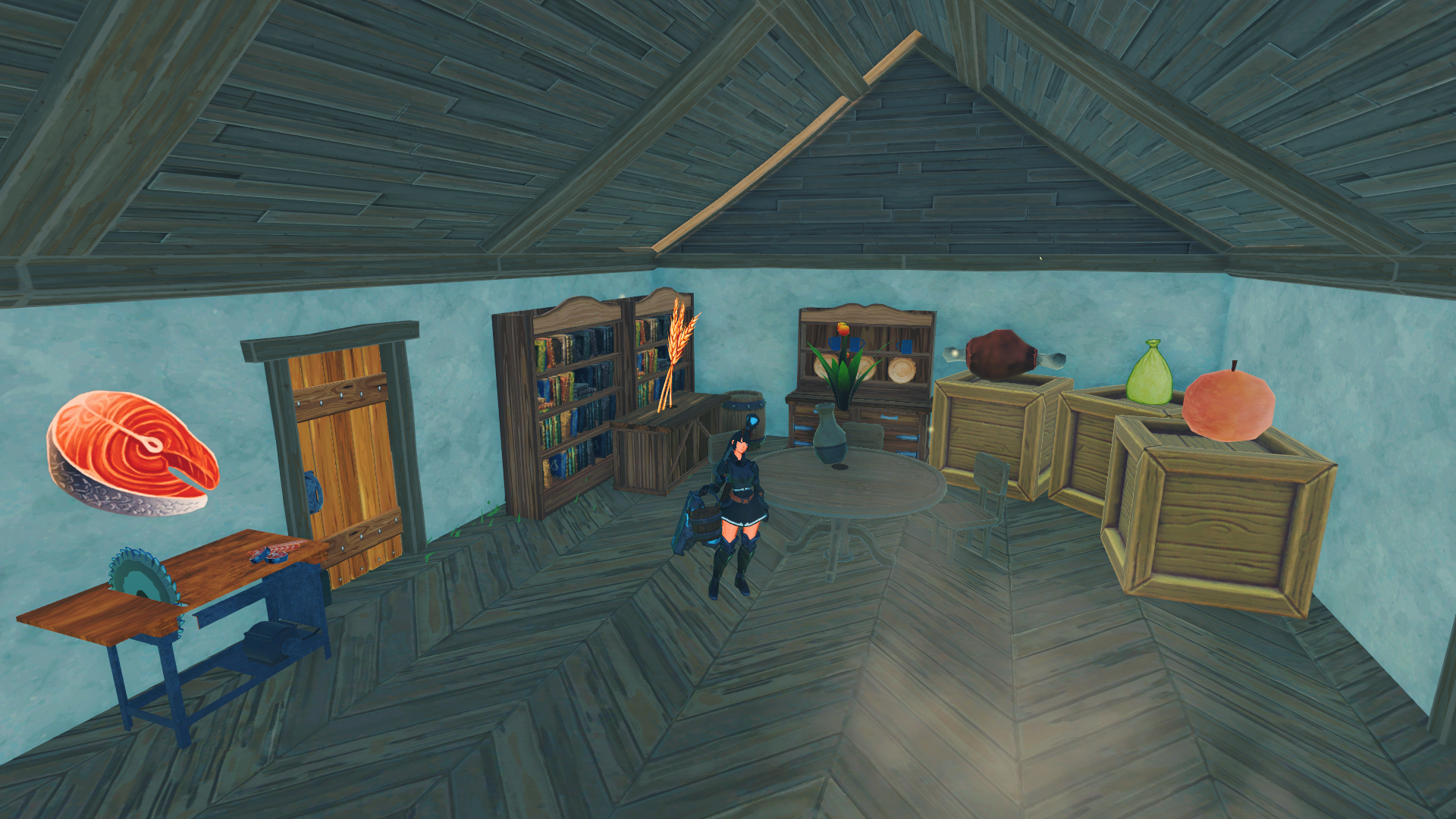
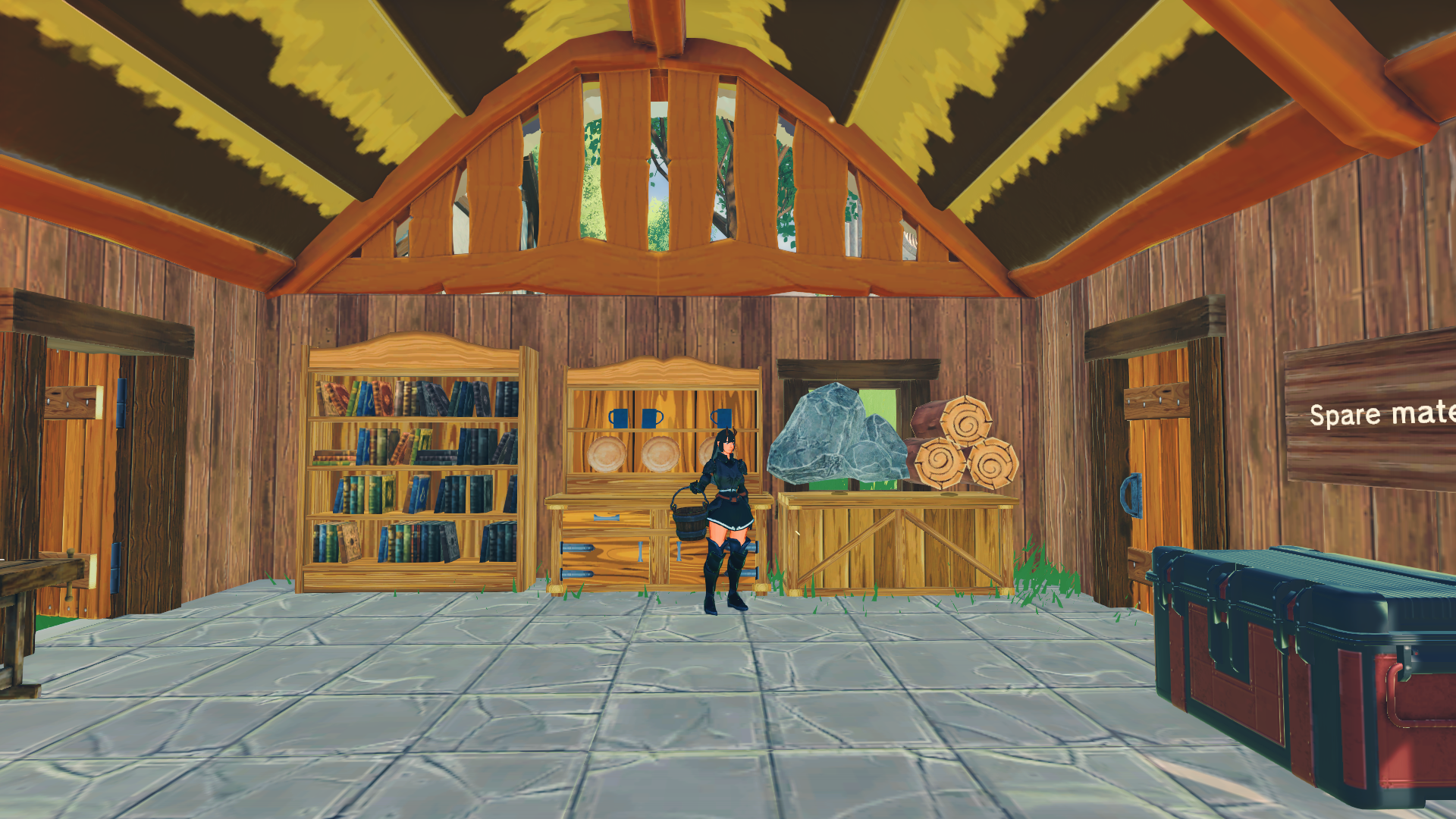
I’m not quite sure how to decorate my Gacha house, but so far this is what I got. The house also has all my extra building materials parts, like roof, floors and so on. It’s a bit heavy on the right side, so will have to even it out a bit more, maybe move the boxes.

Loft - work in progress
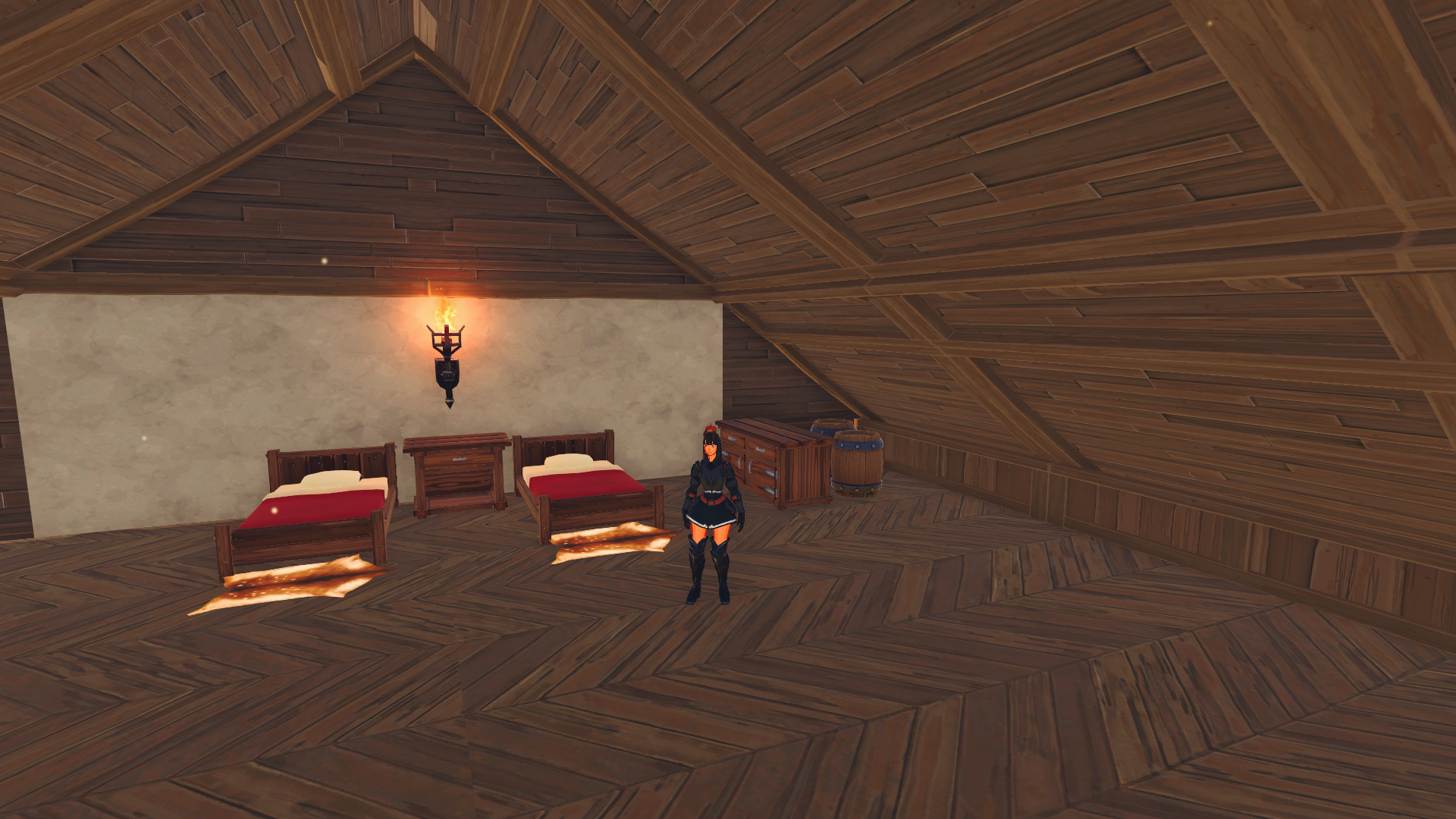
This room is so big, and I’m not sure how to start decorating it. I made the beds the same, and started off in the right corner with some space fillers. I also made a small wall filler so the roof is not too sharp angled at the end of the room. It’s the same on both sides of the room. Will I ever manage to fill this room? Who knows.

The animal pen
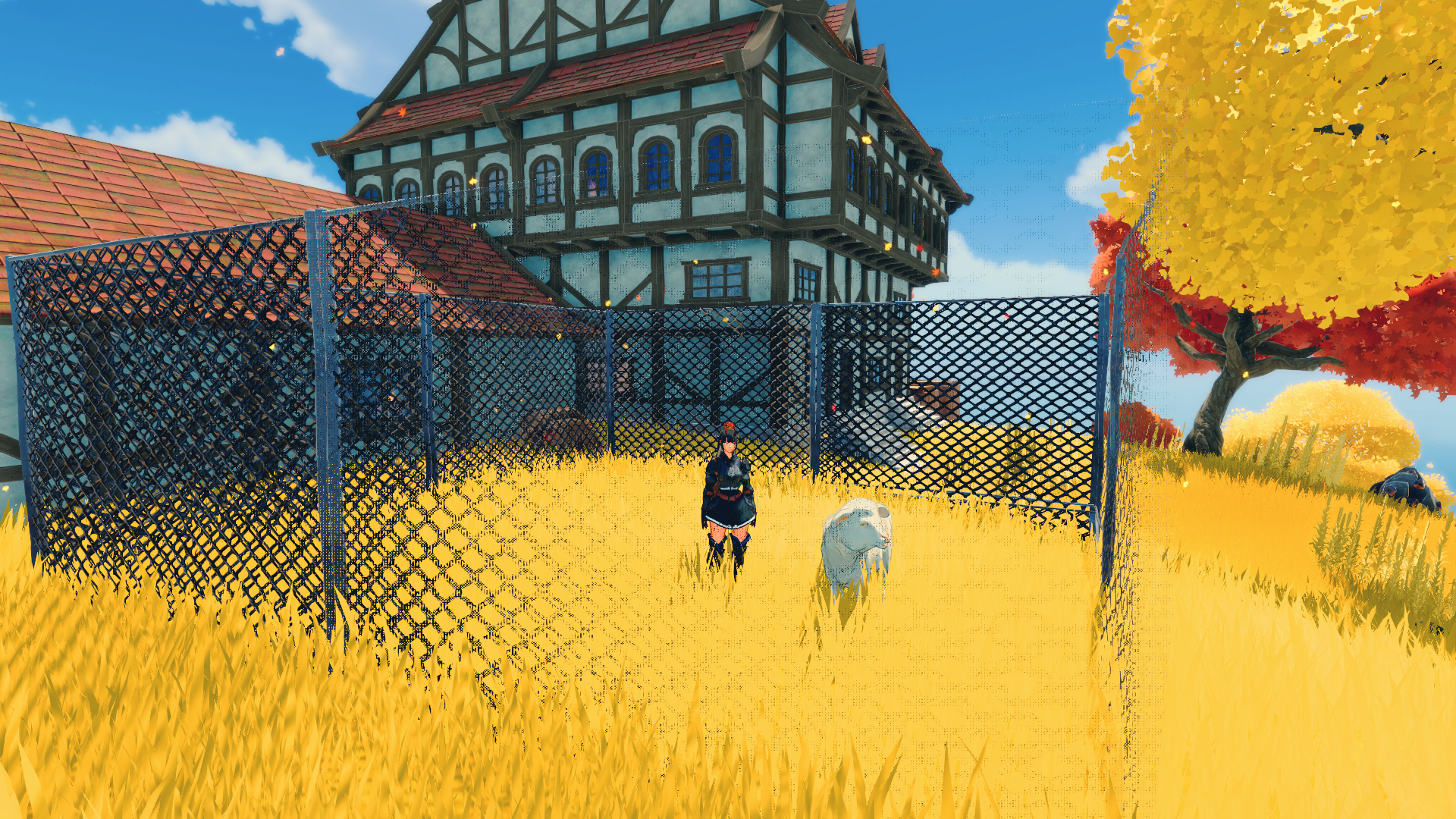
It started out with the idea of having an animal pen in the back yard of the base. I didn’t want the walls to be solid, so I managed to get enough materials to make mesh wired walls. It takes some special materials to make them, so I only made one batch of 10 walls. and went from there.
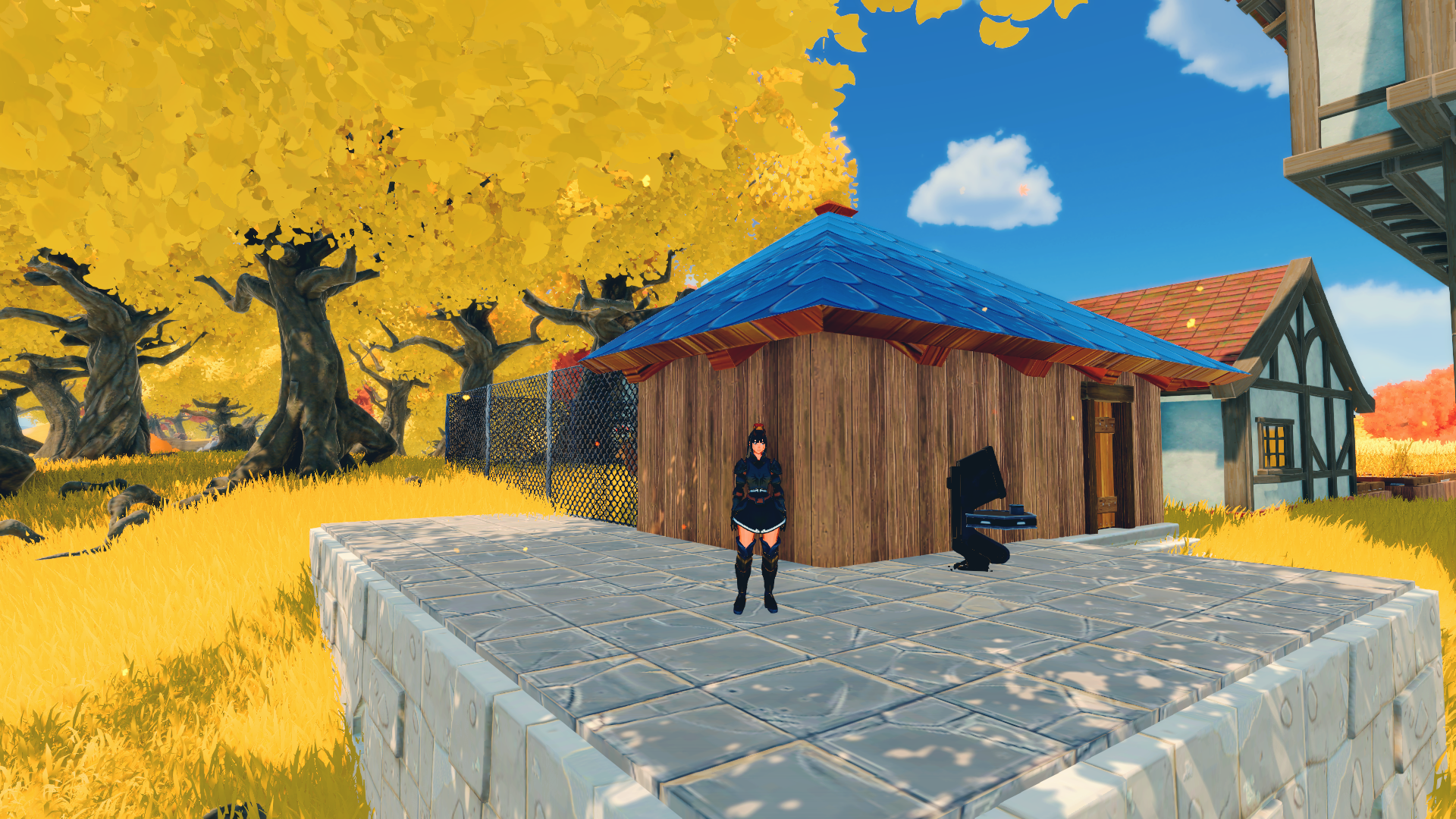
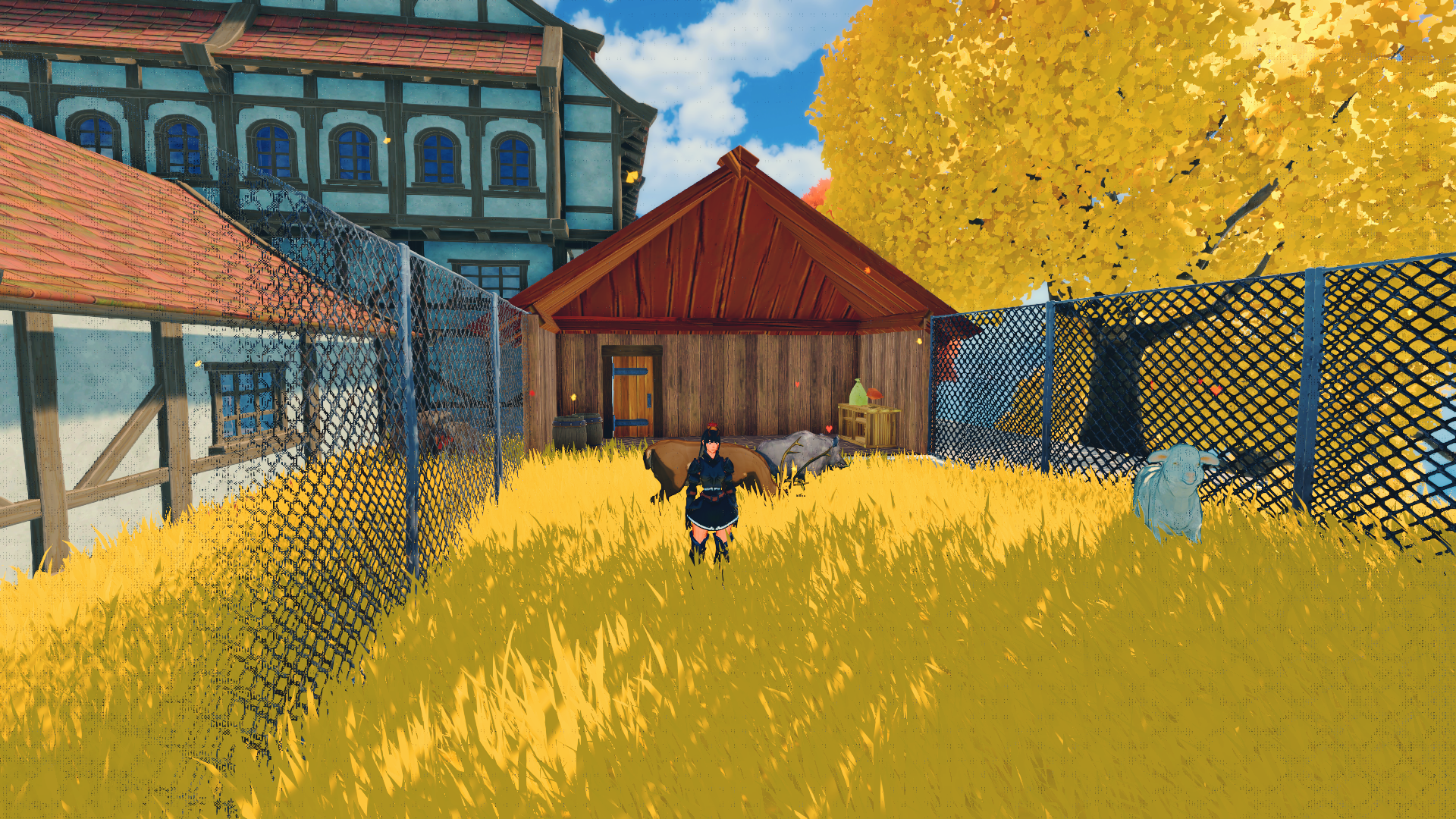
I thought the square looked a bit awkward, so I wanted to make it better and more cozy. I added a shelter for the animals, and some platforms outside of the animal pen. The machine you can see on the top picture is the pet machine. You can tame animals and make them pets if you place them in the machine. You can give your pets commands and even ride them. To tame bosses you have to have some special restraints as well as the capture capsule (pokemon anyone..?).
Craftopia: re-building 2

Re-building on the beginner island

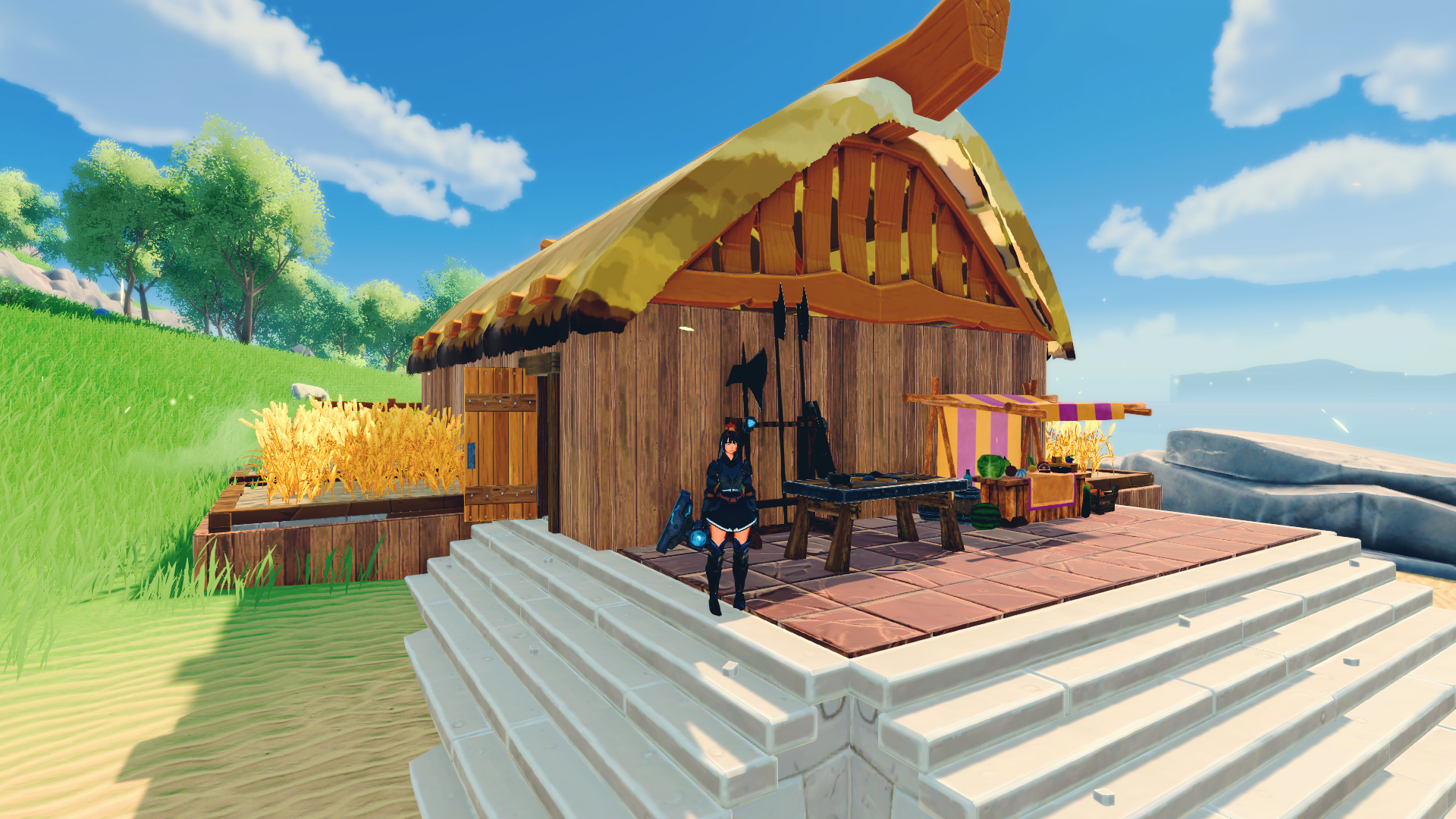
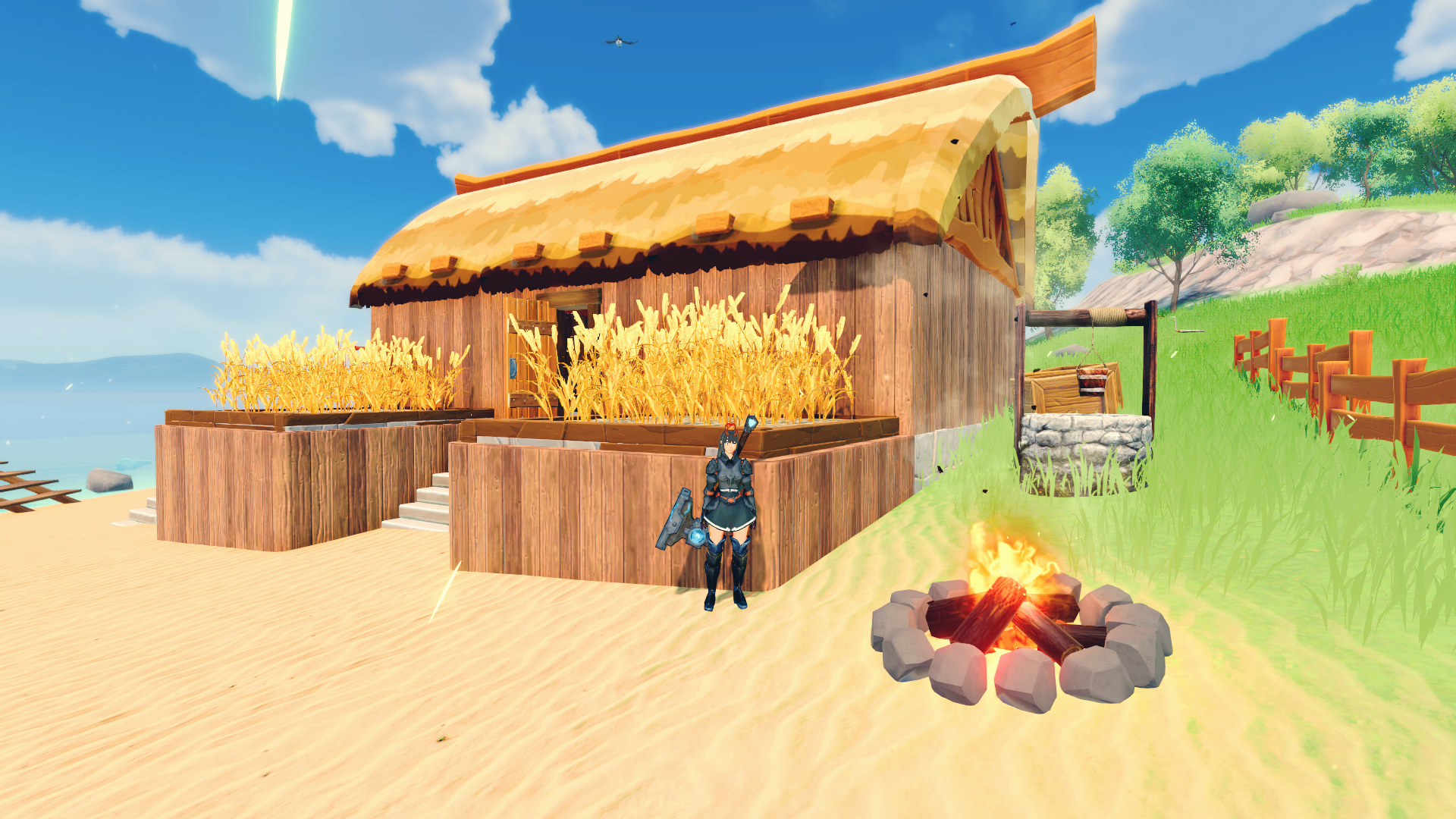
I decided to rebuild my old base on the beginner island, and make it pretty. I thought when I first actually spent some time on the island, I may as well have a nice little base on it as well. I come back to the beginner island to exploit the generators with the re-spawning npc’s and cutting down some trees for furniture.

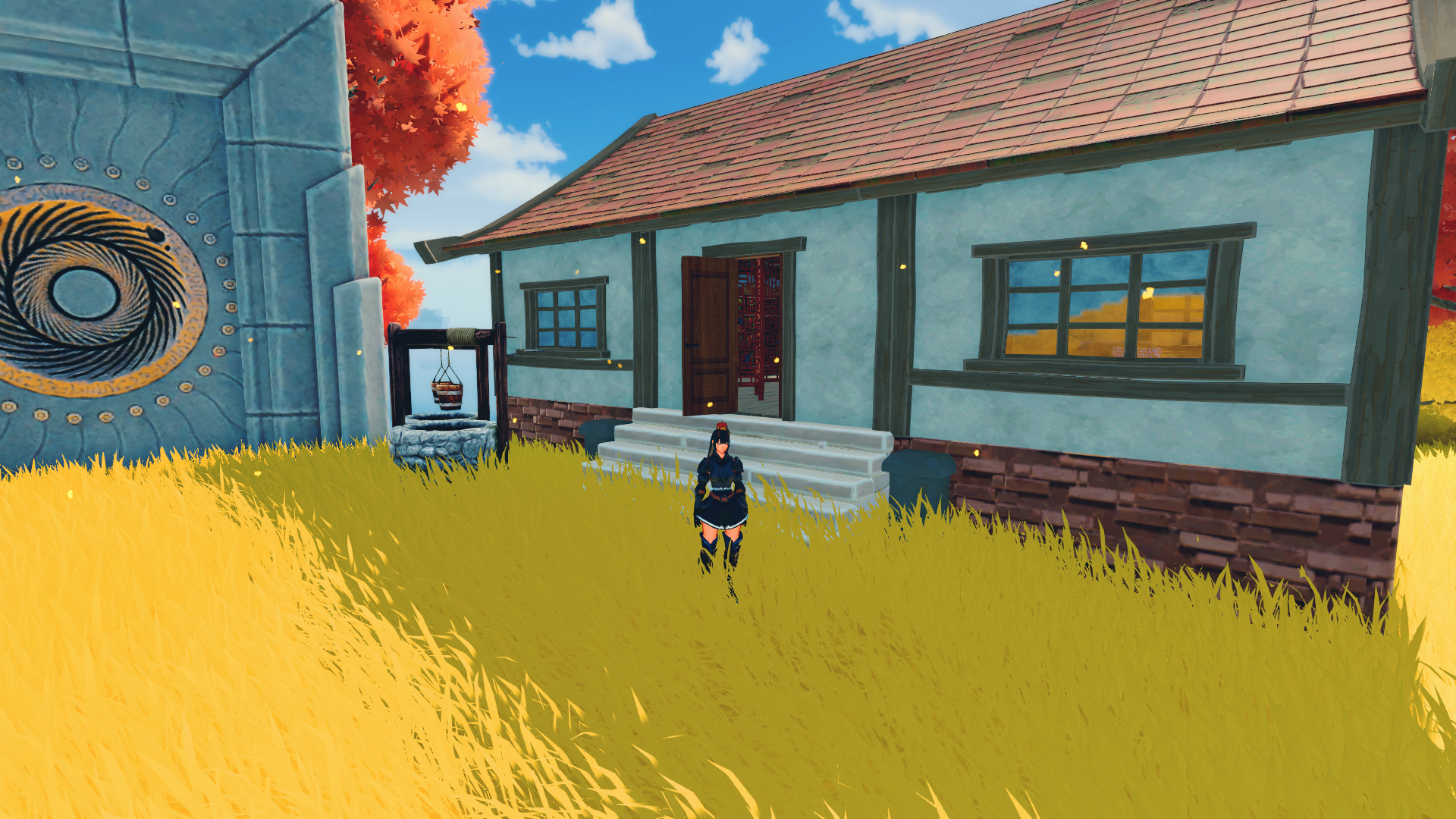
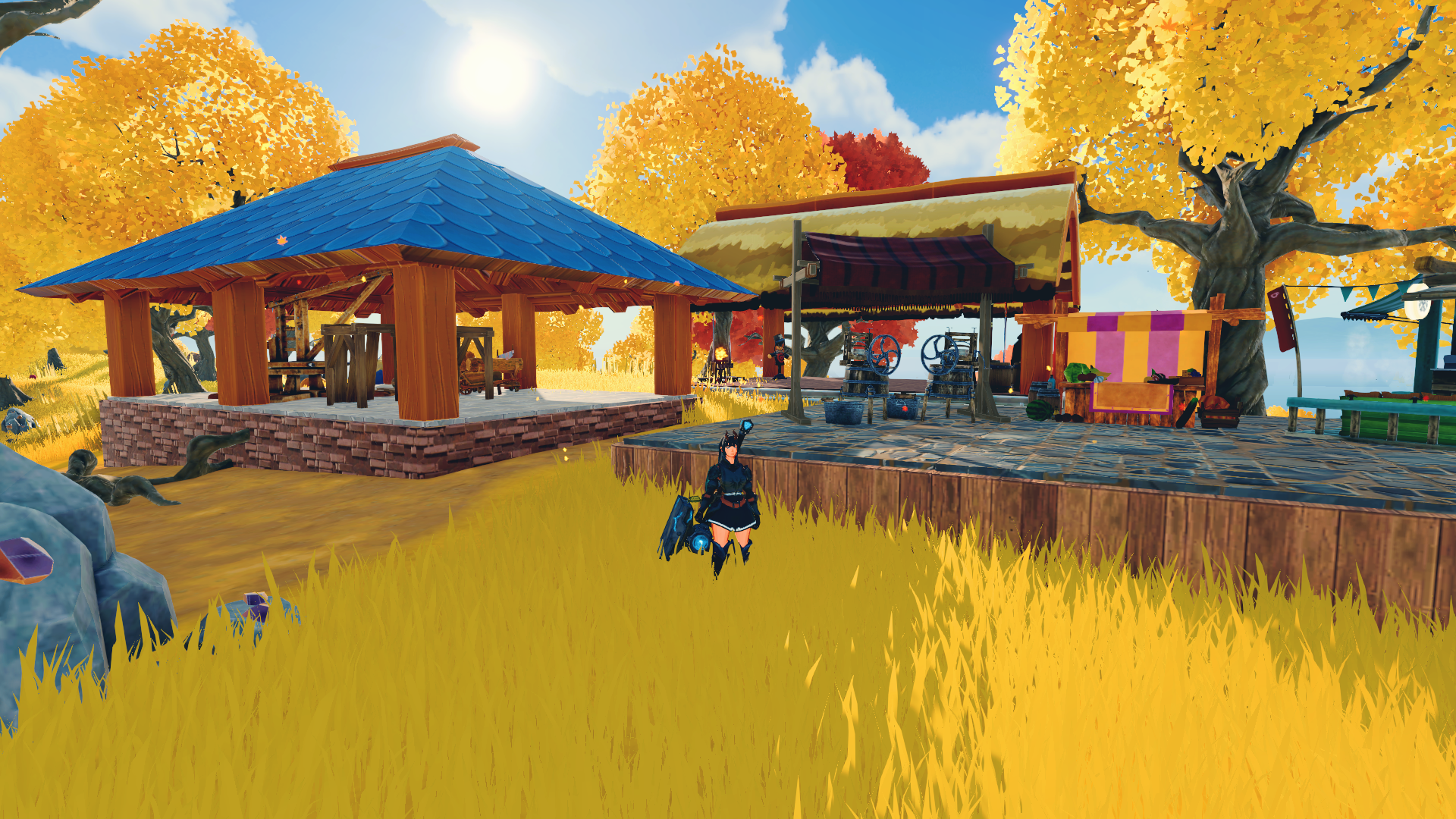
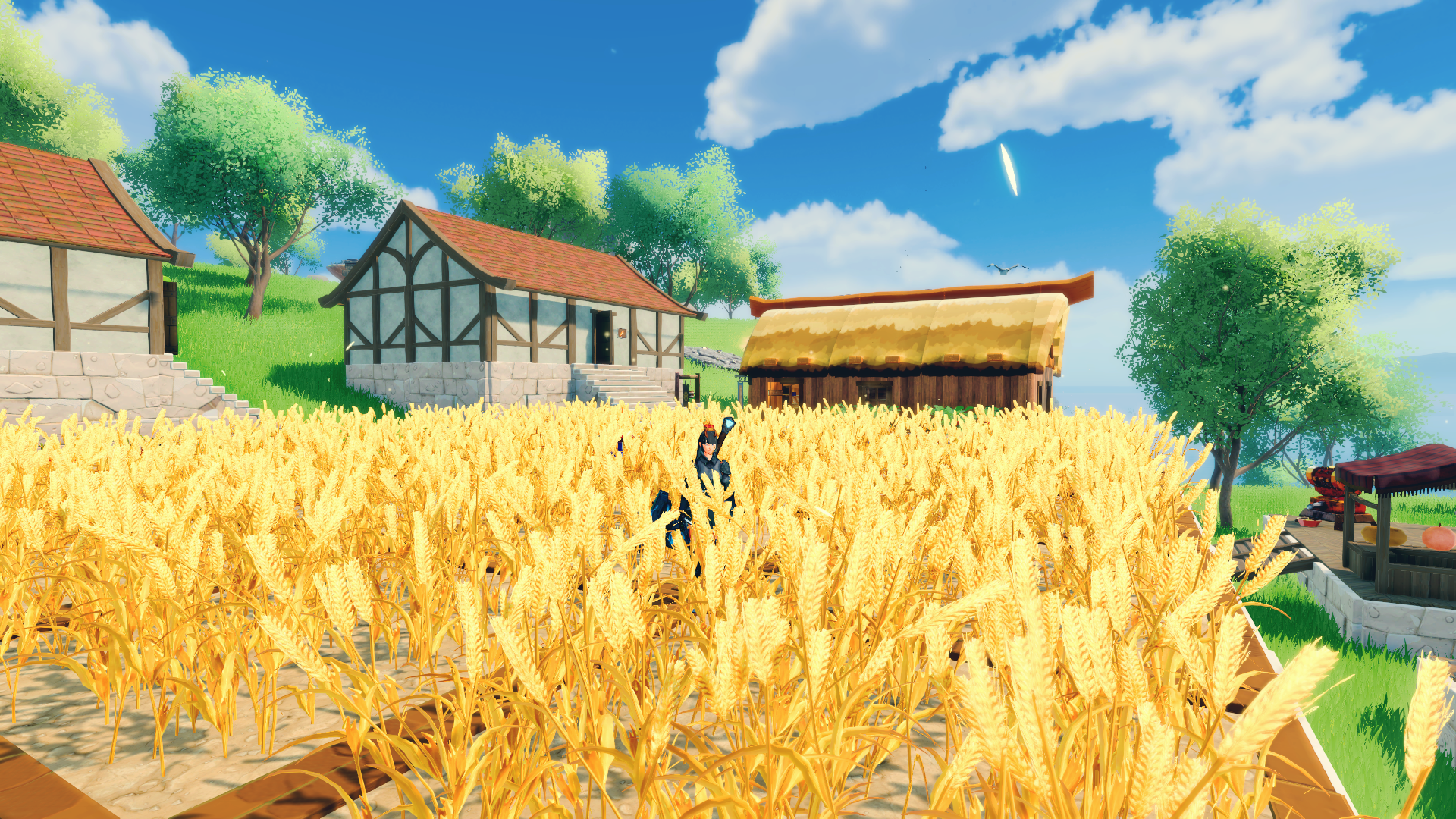
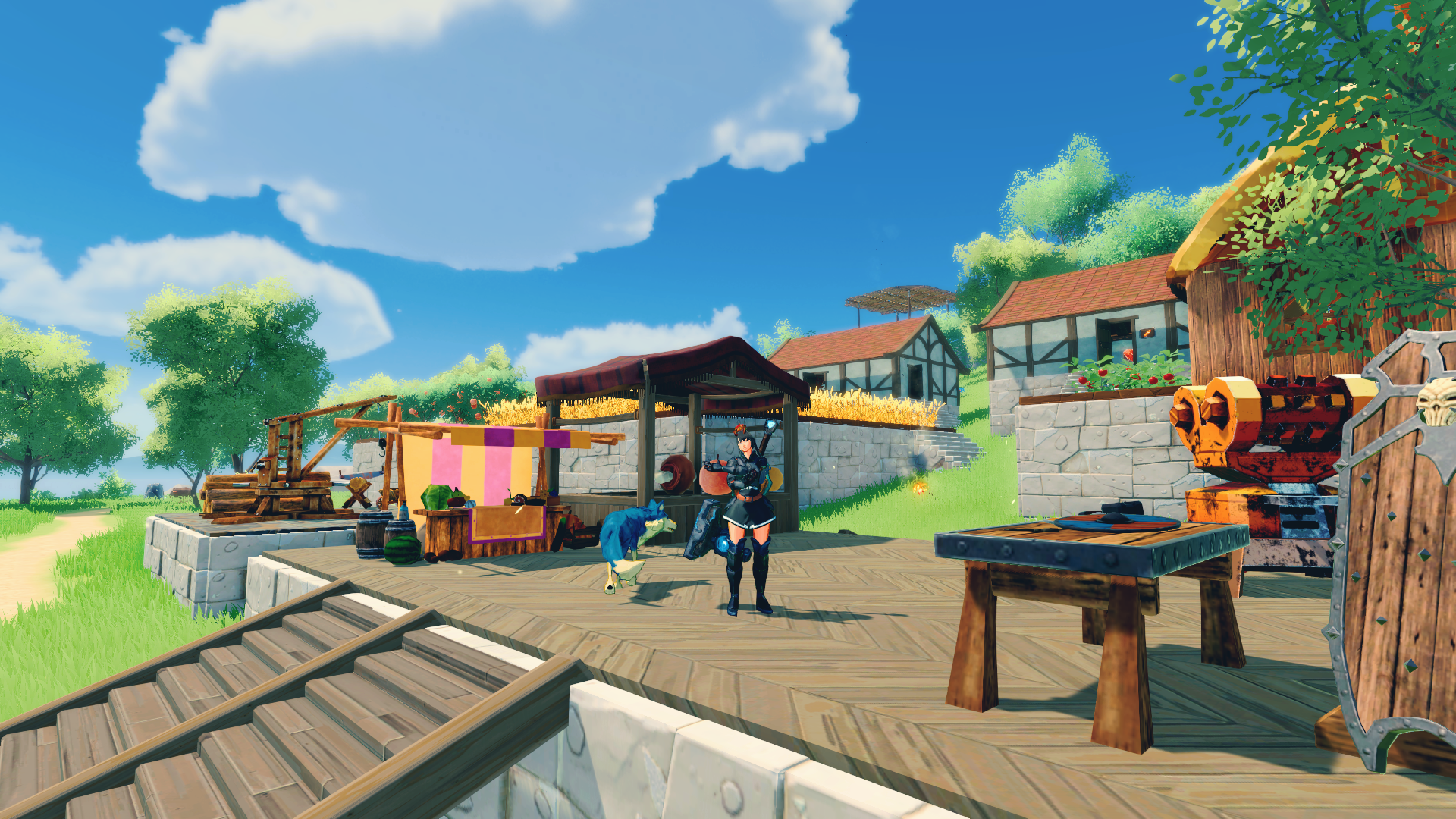
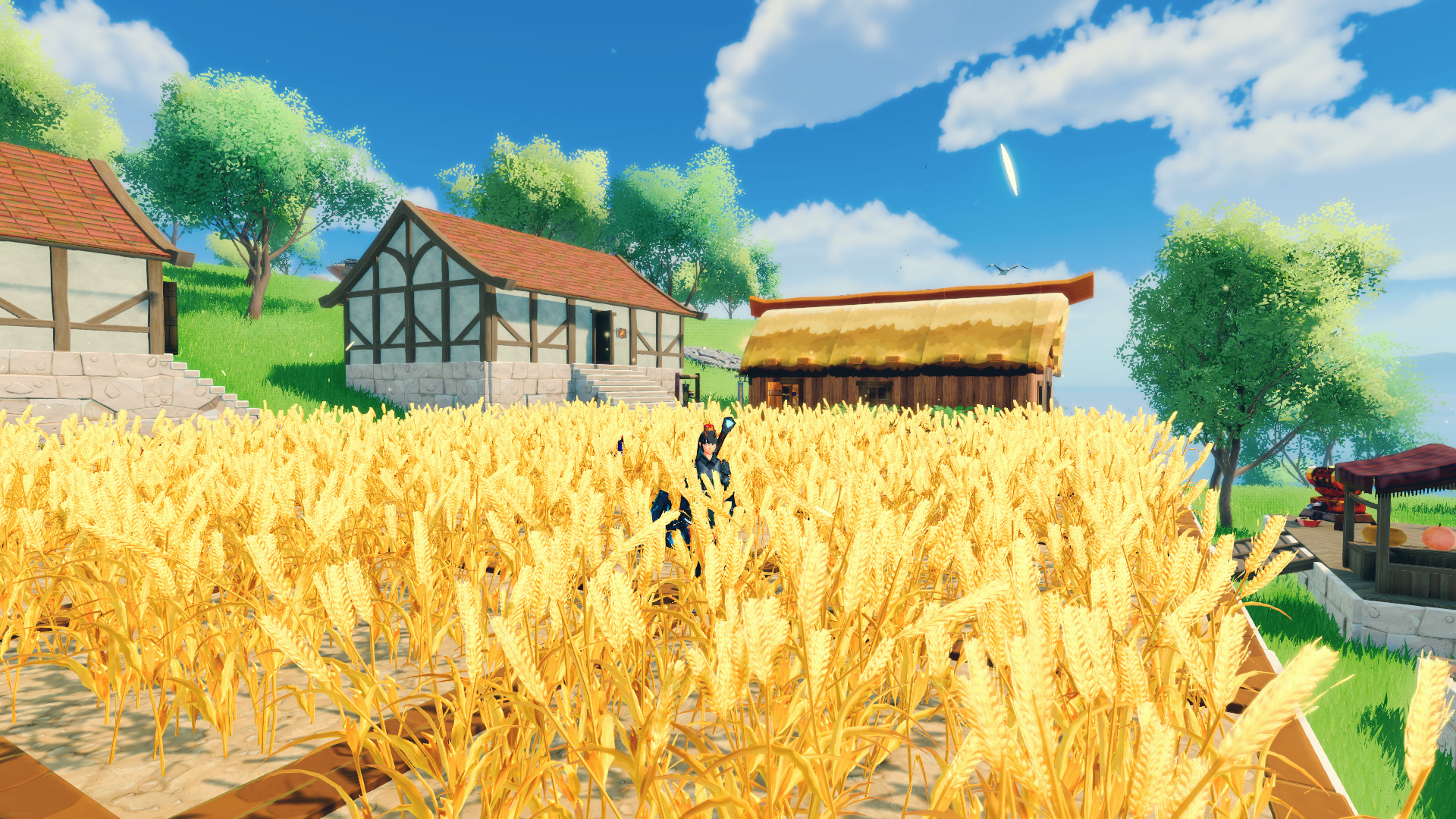
I tried making the outside pretty nice and cozy. With a market, and a repair station. On each side there are some wheat fields, and I placed a campfire, well and fences to make it a bit more nice and homely.

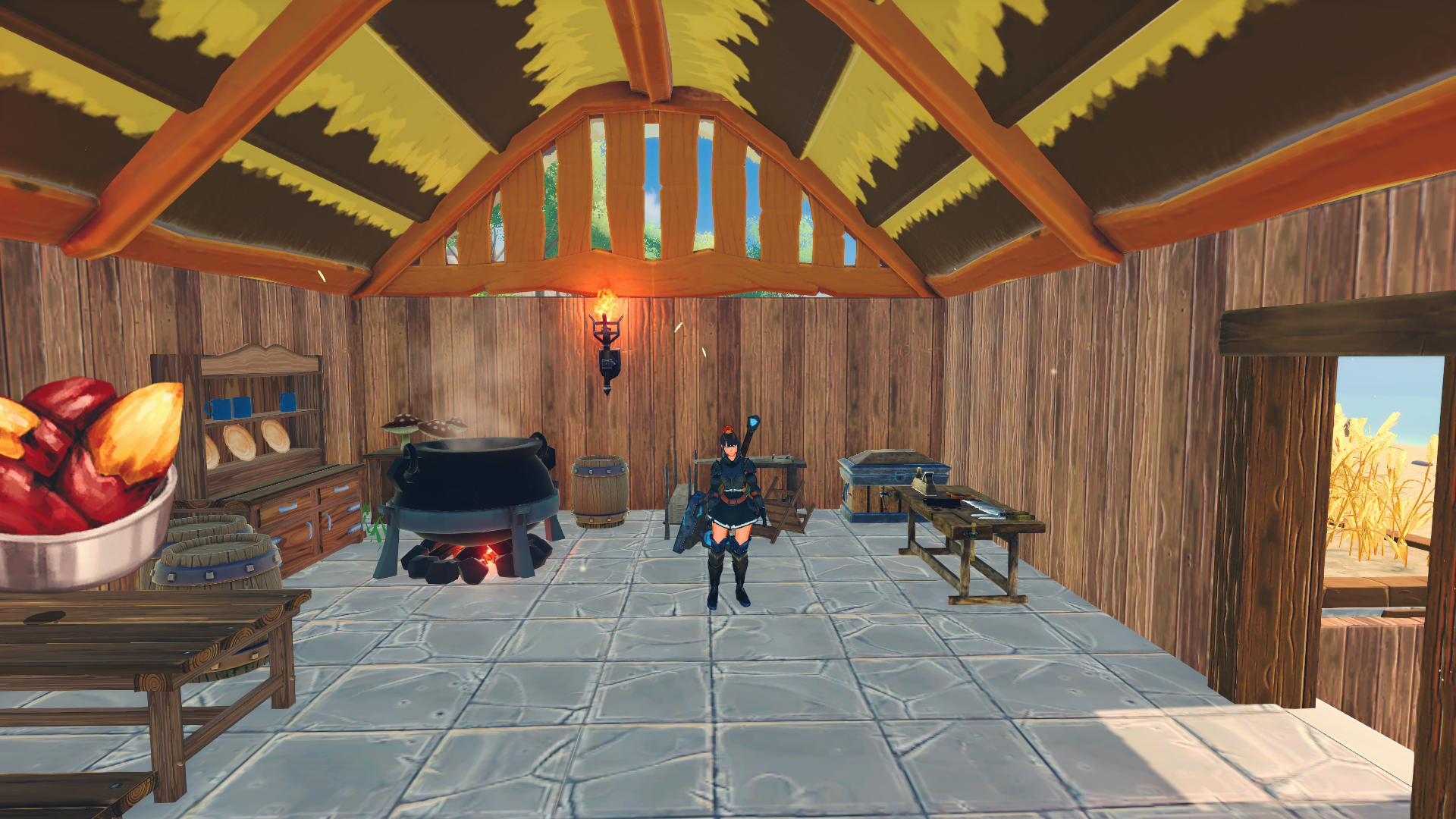
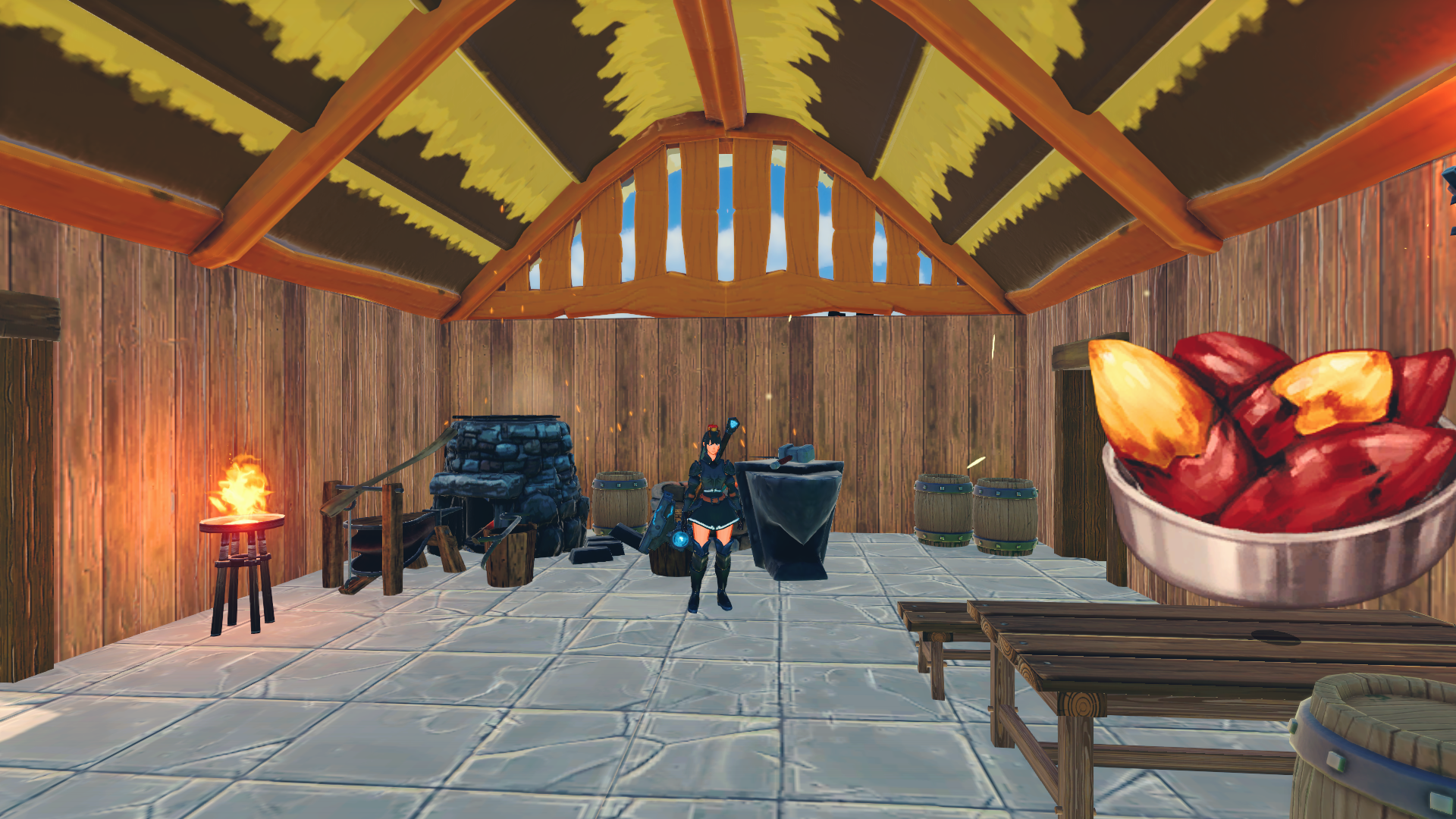
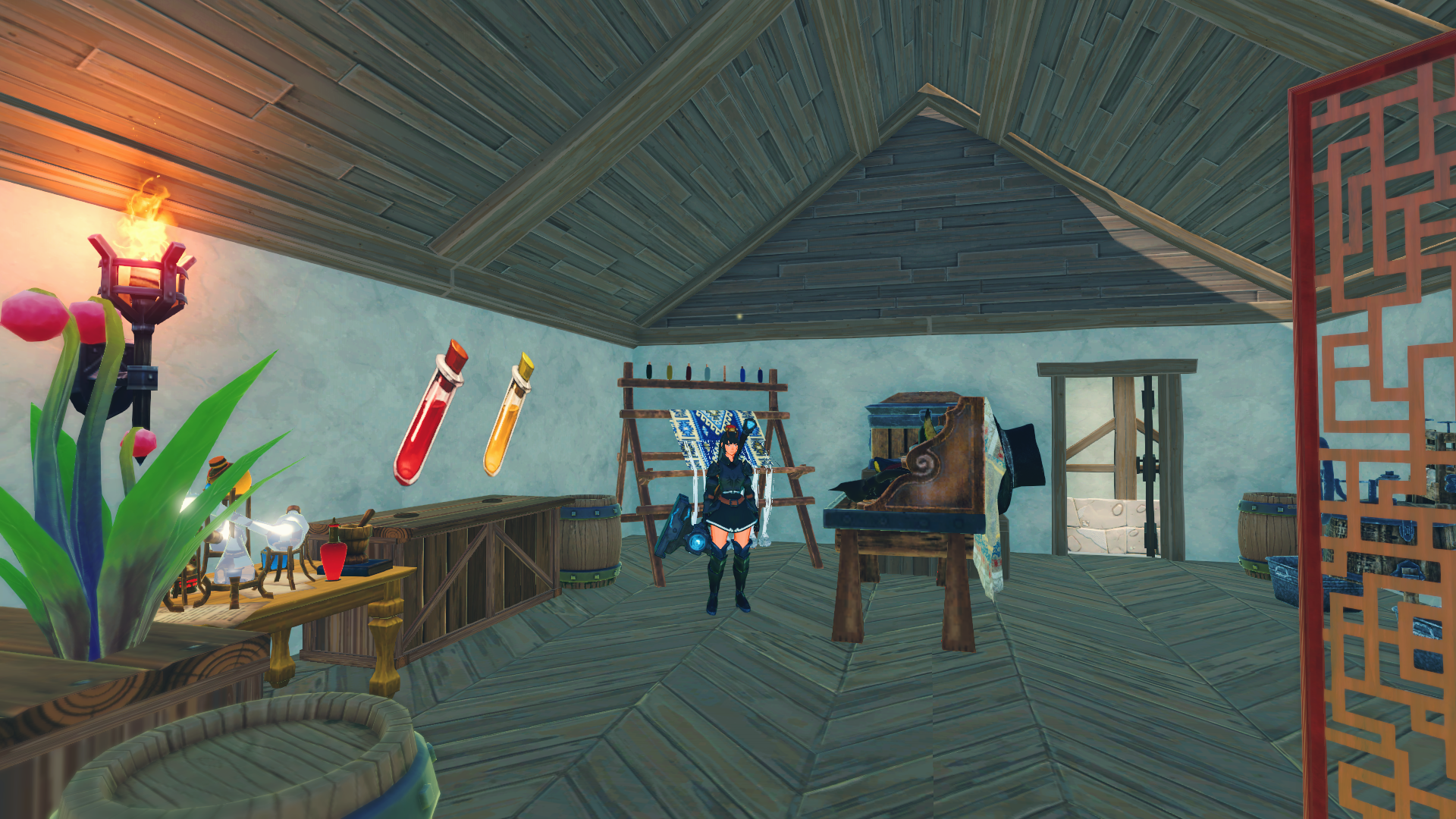
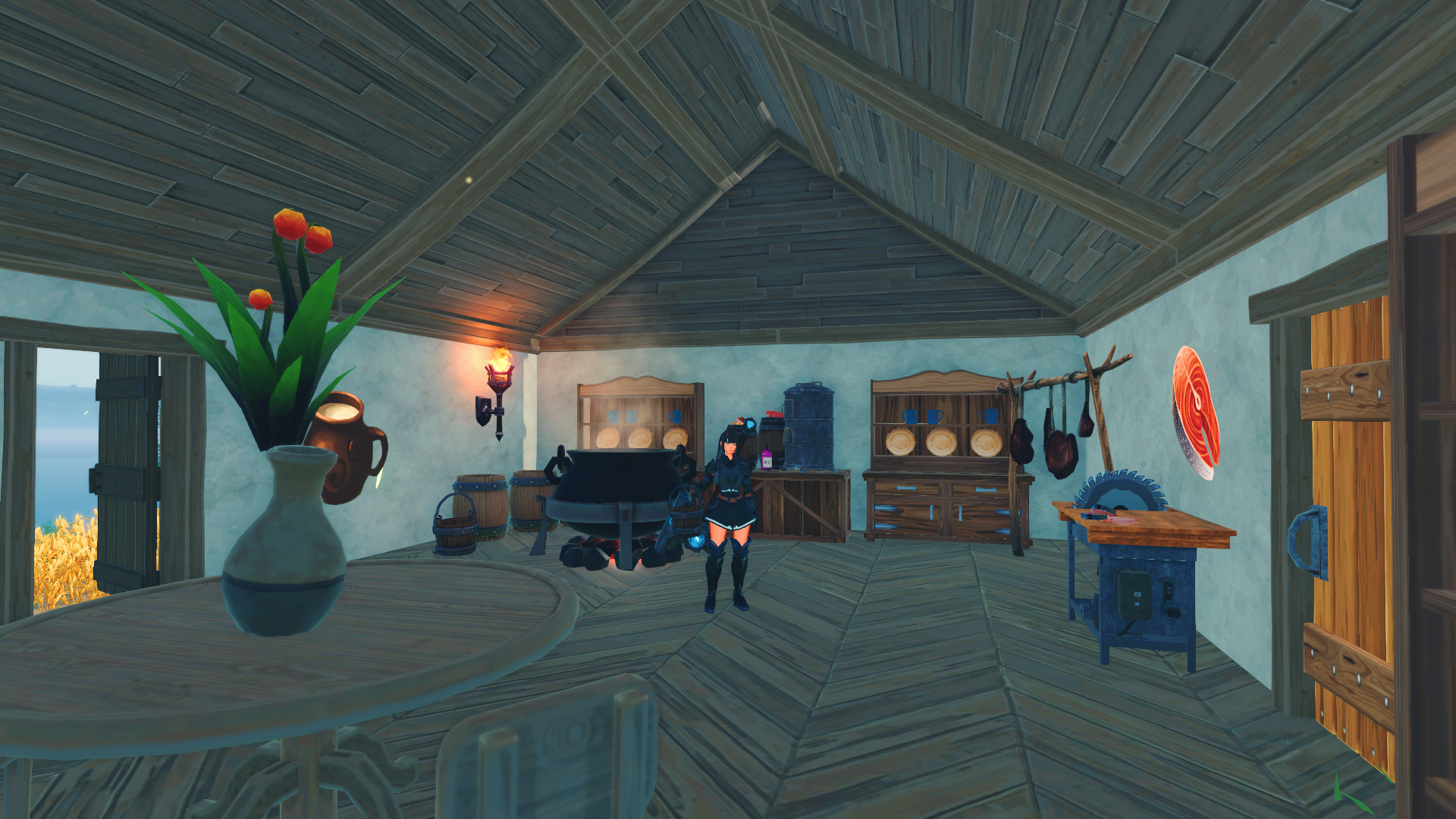
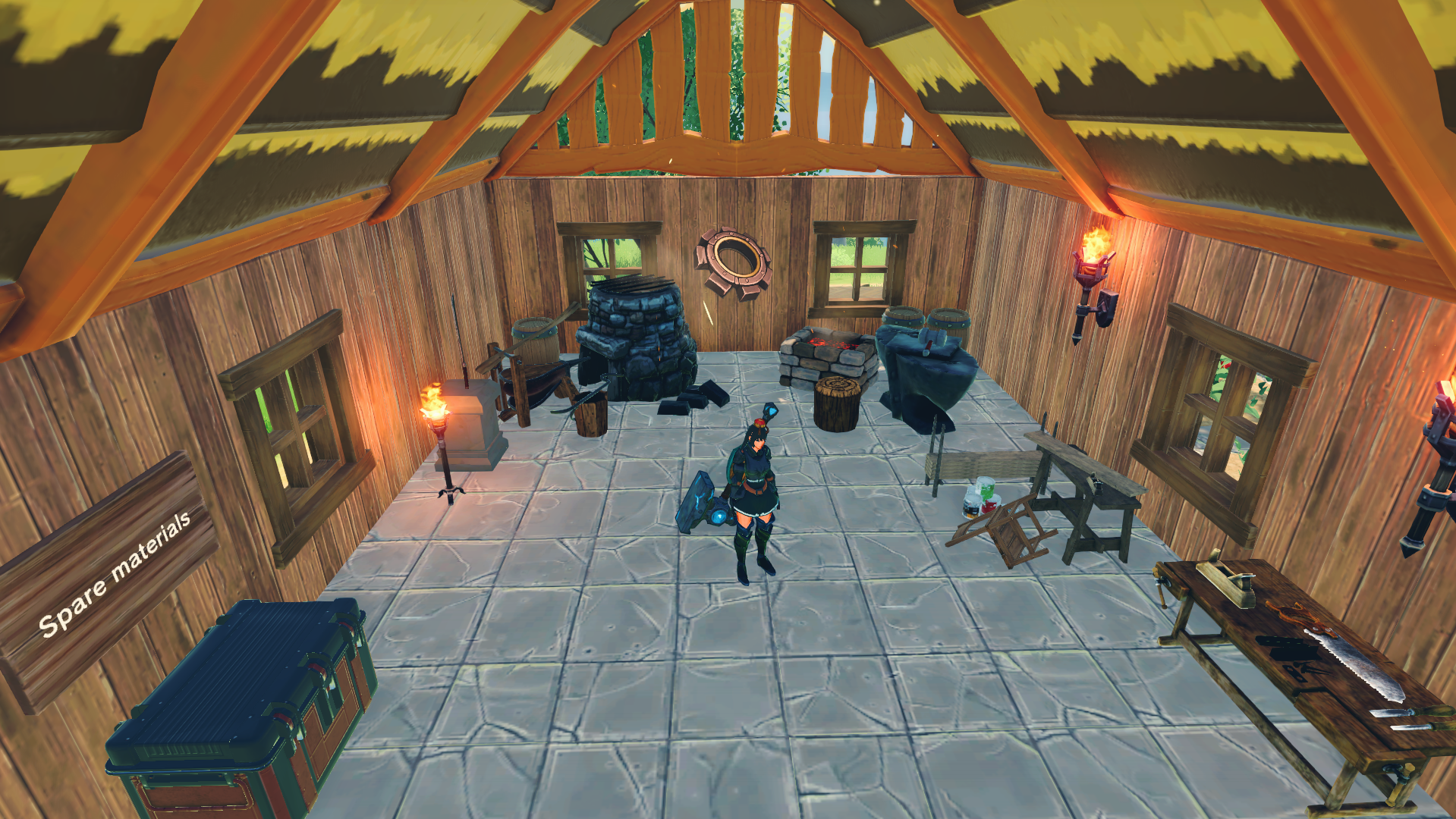
The inside of this small base is an all-in-one interior. We got the kitchen in one end, together with some shelves the furniture station and the workbench. On the other end we have the blacksmith and the forge. In the middle is a tiny chillout area with some stone baked potatoes.

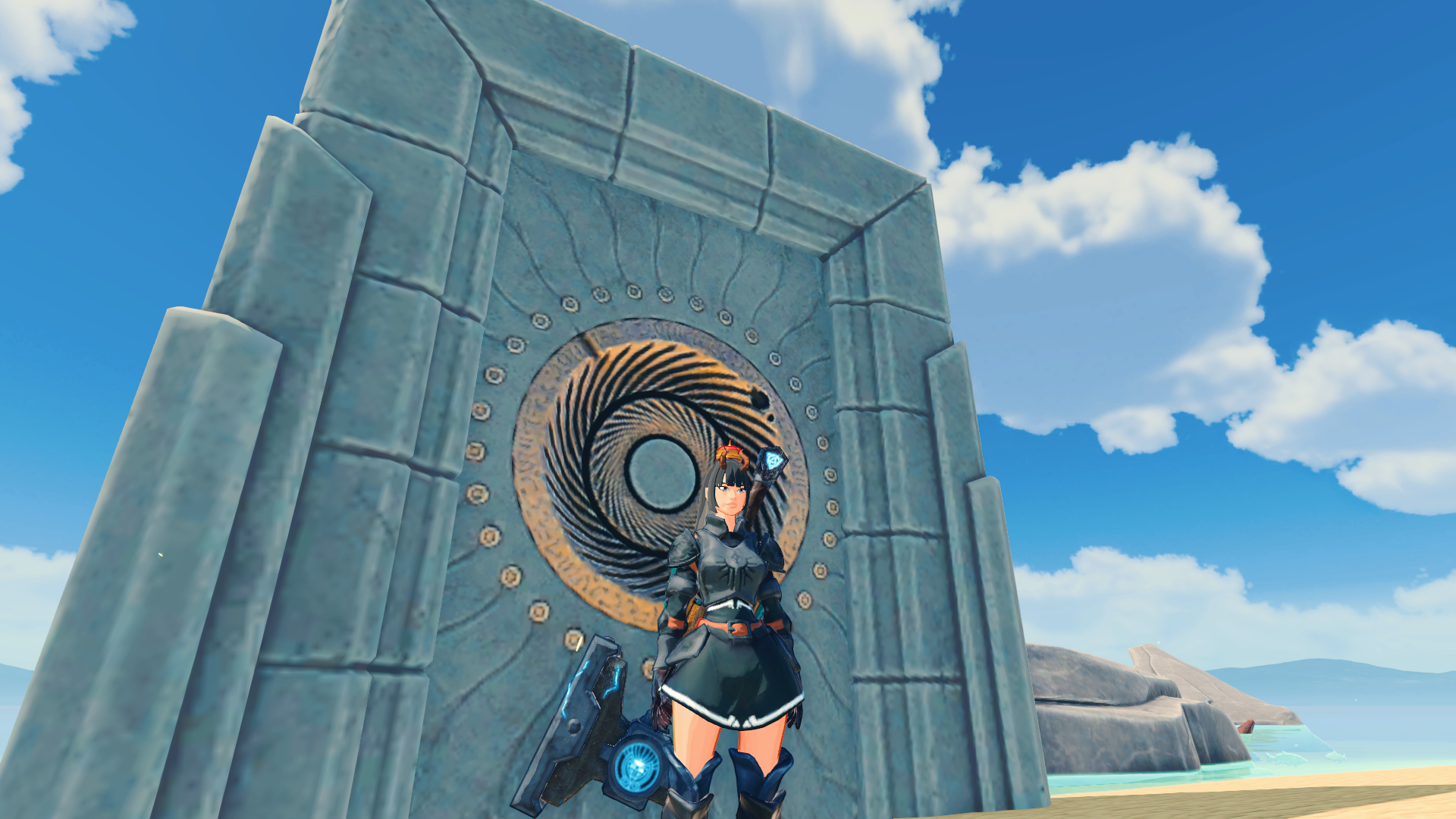
I also decided to make another teleportation portal, instead of going to the mountain on the middle of the island every time to get off the island. This portal is placed just beside the house, on the beach. Easier access, and it makes my in game life a bit easier too!

Craftopia: forever building

Experimenting with different textures

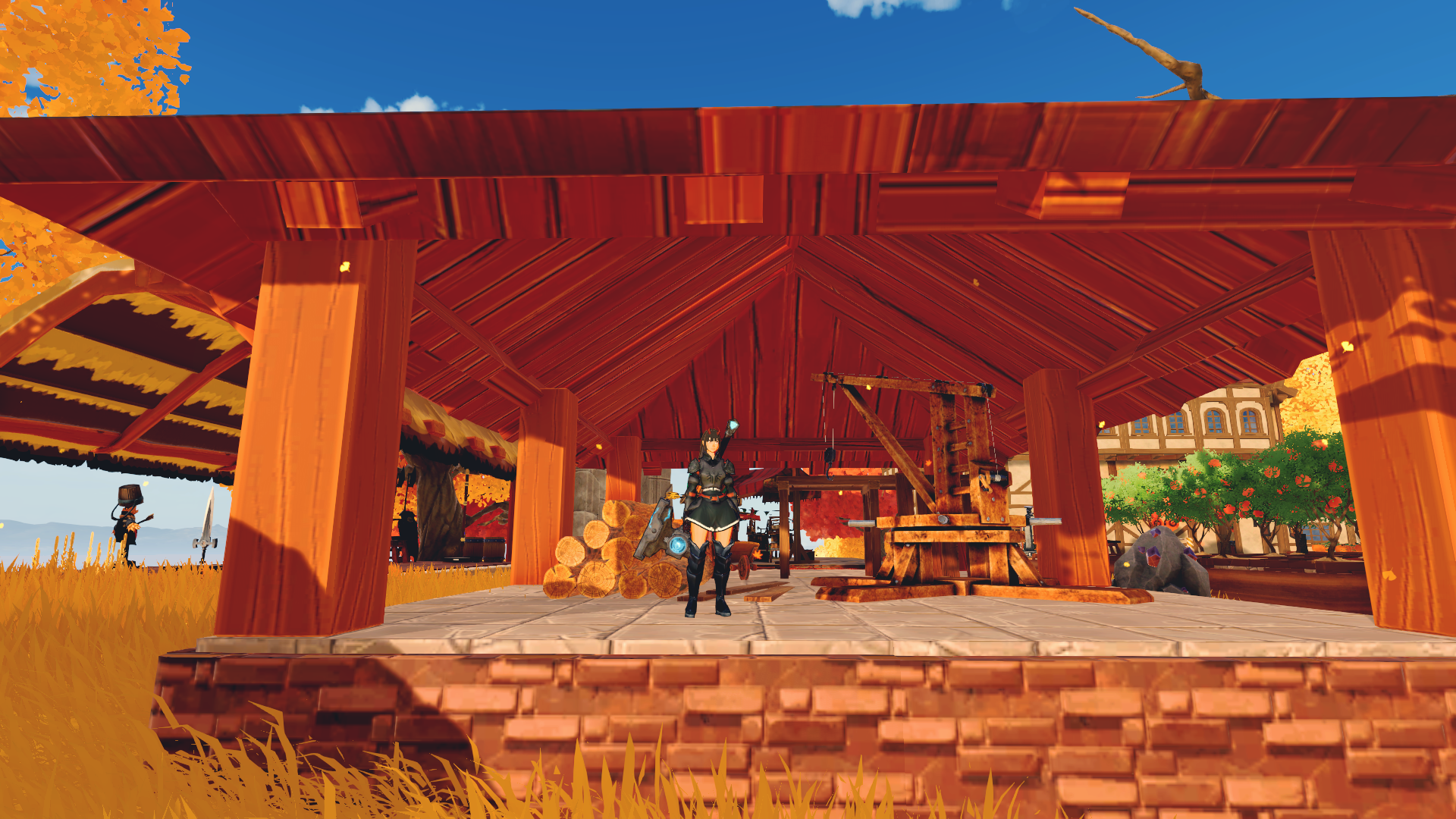
I’ve been experimenting with some items and building materials. This game is a bit limited when it coms to roofs and placements with the snap grid, so most of my buildings are placed down in 2x3 squares. Made some roof on my machine factory on my main base, and made a dojo / training hall in the back.

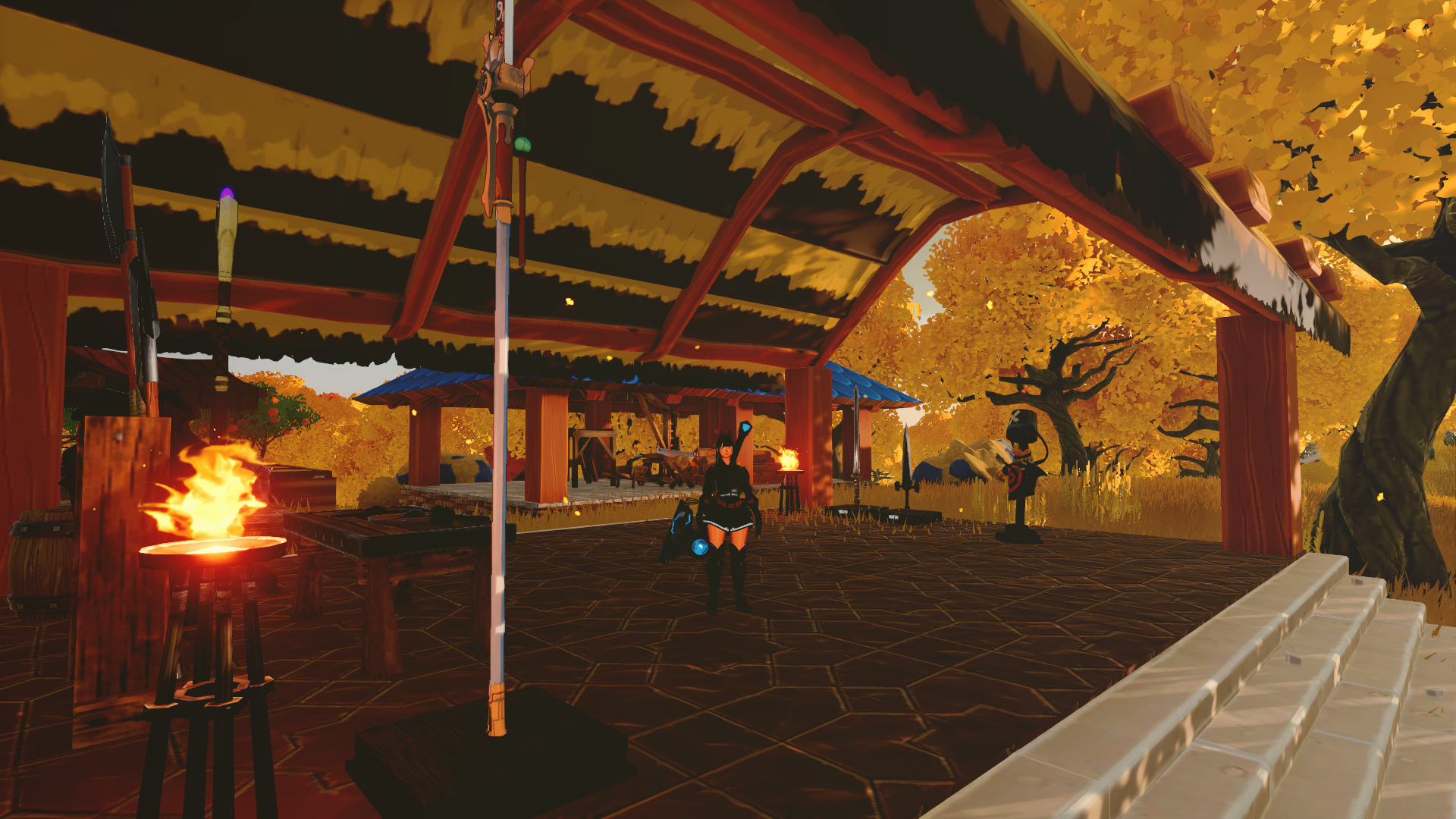
For the machine factory and the dojo, I tried experimenting with different textures and building materials. The fish scale roof corners and the wooden beams have some really nice colours and textures that I think work well with the brick and rock on the foundation. For the dojo, I tried something a bit different, with thatched roof, corner beams and some patterned brick flooring together with the typical light grey rock foundation. The dojo is mostly an excuse to place down weapons I hoard when I do dungeons or find them in chests in the field. It also has a training dummy (now two).
The pantry

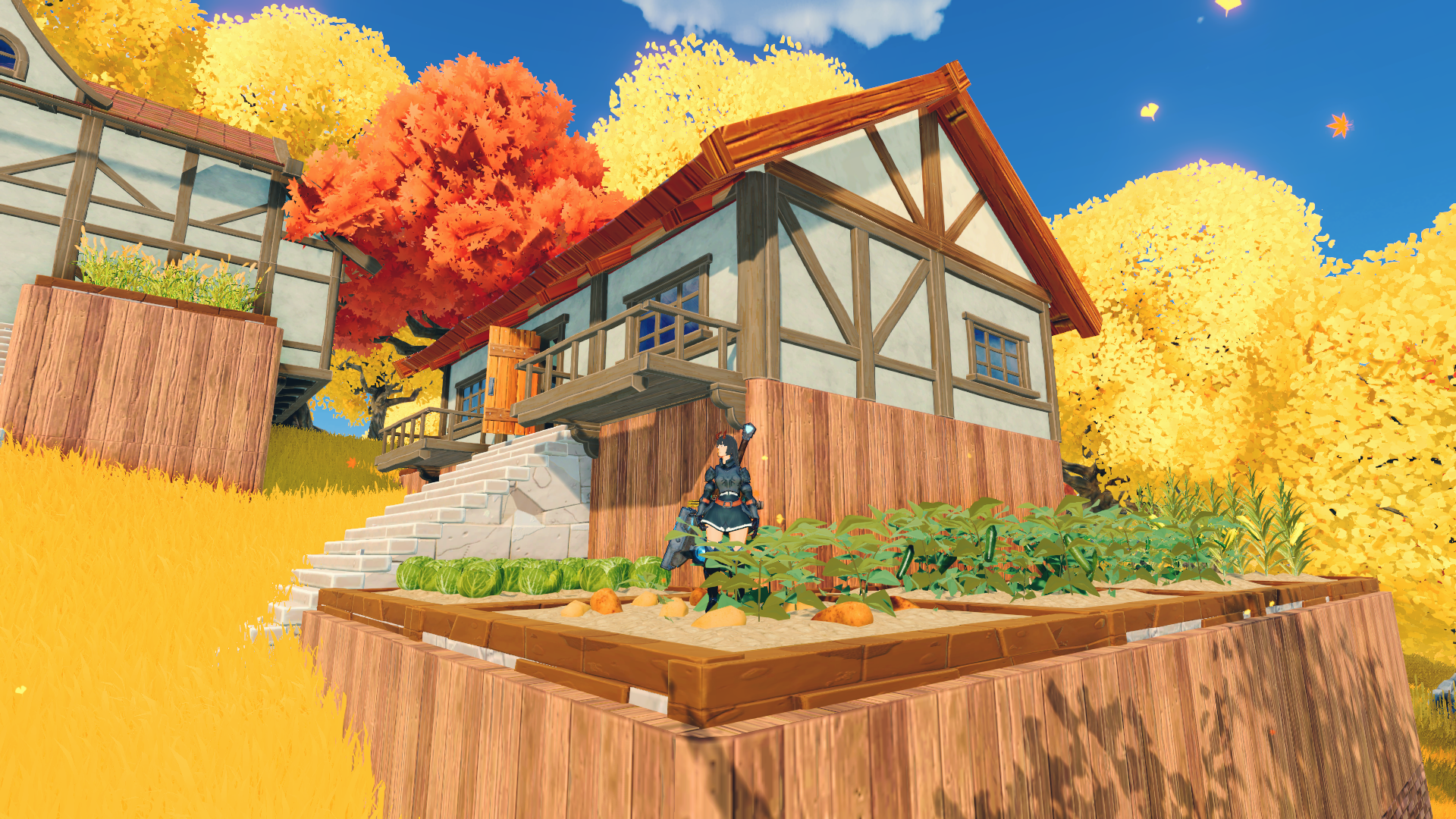
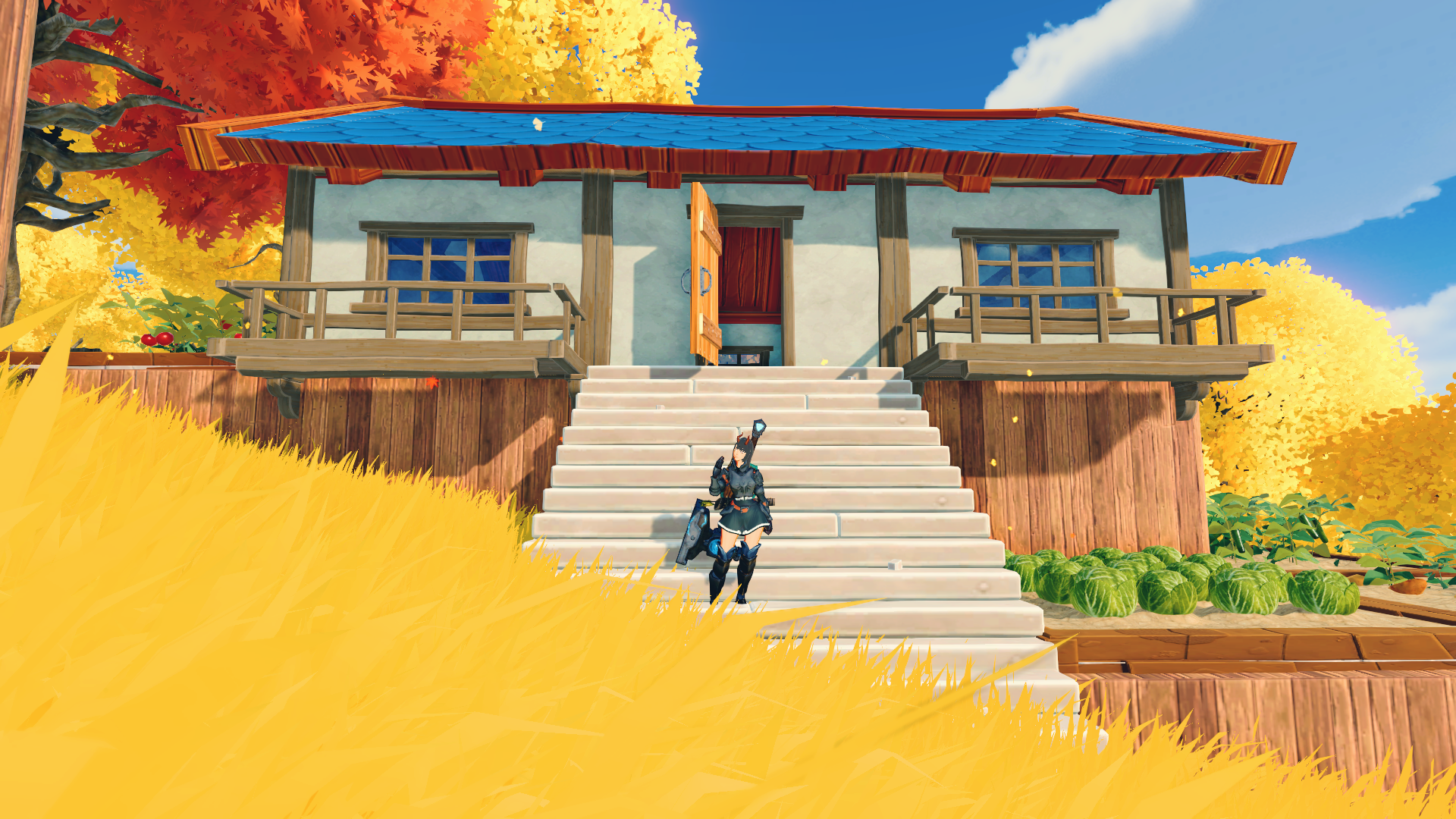
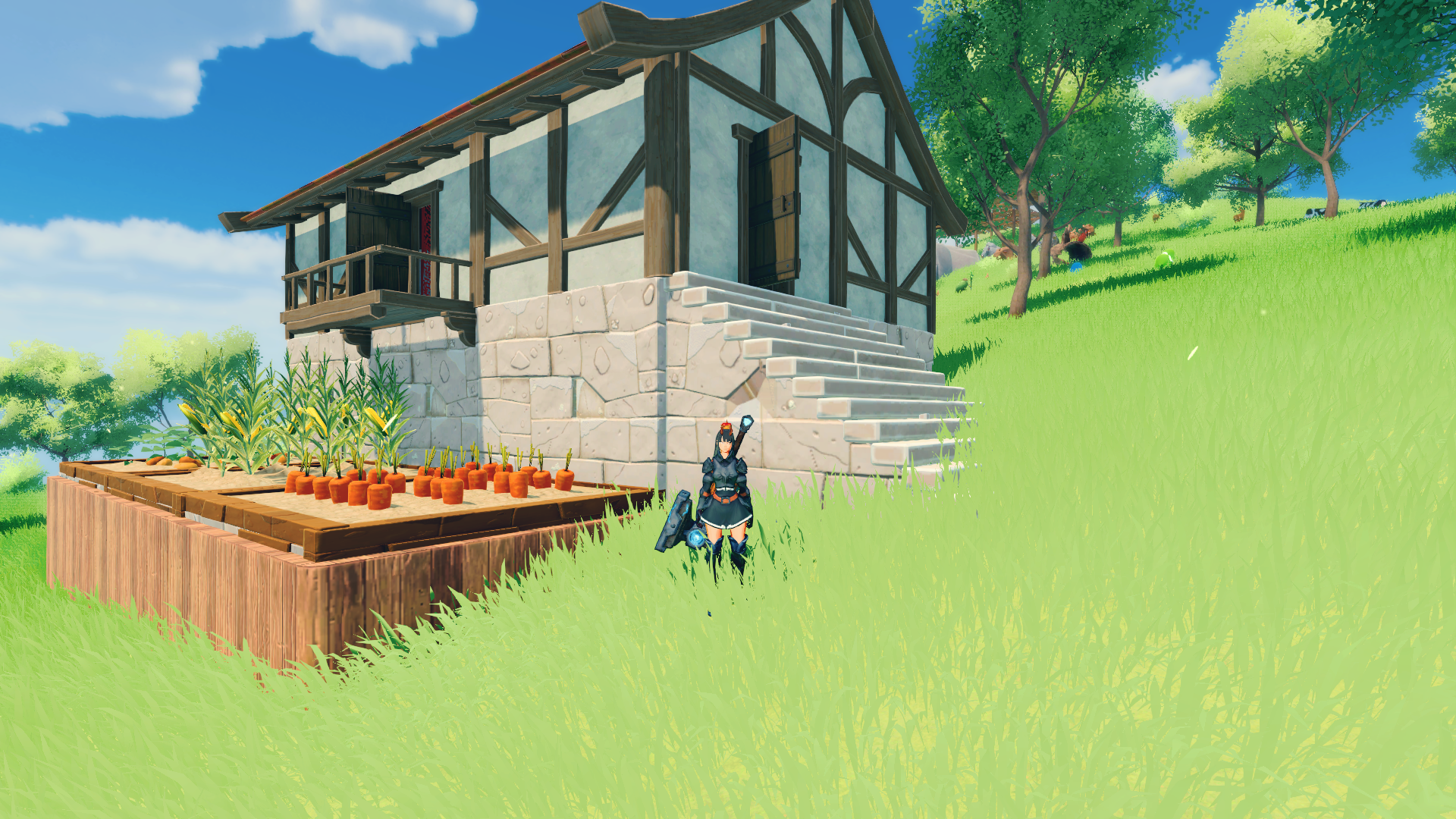
I originally wanted to make a green house, but thought maybe adding a pantry house would look better with the aesthetics of the small village I’m building. I decided to make a vegetable garden around the house, with different fruit and vegetables in each garden plot. For this house I chose the fish scale roof, to make it stand out a bit more from the other buildings with the brick roofing.
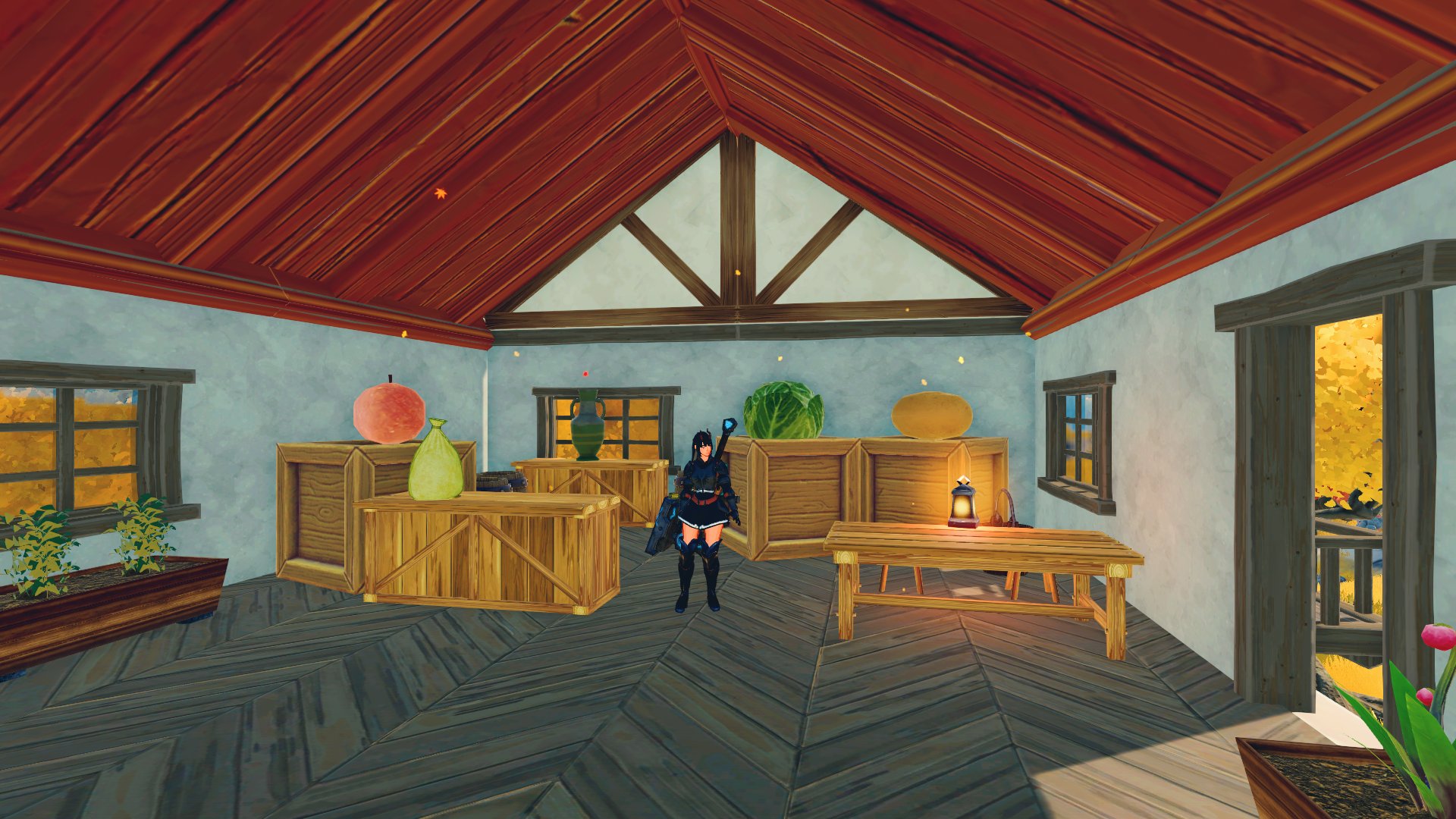
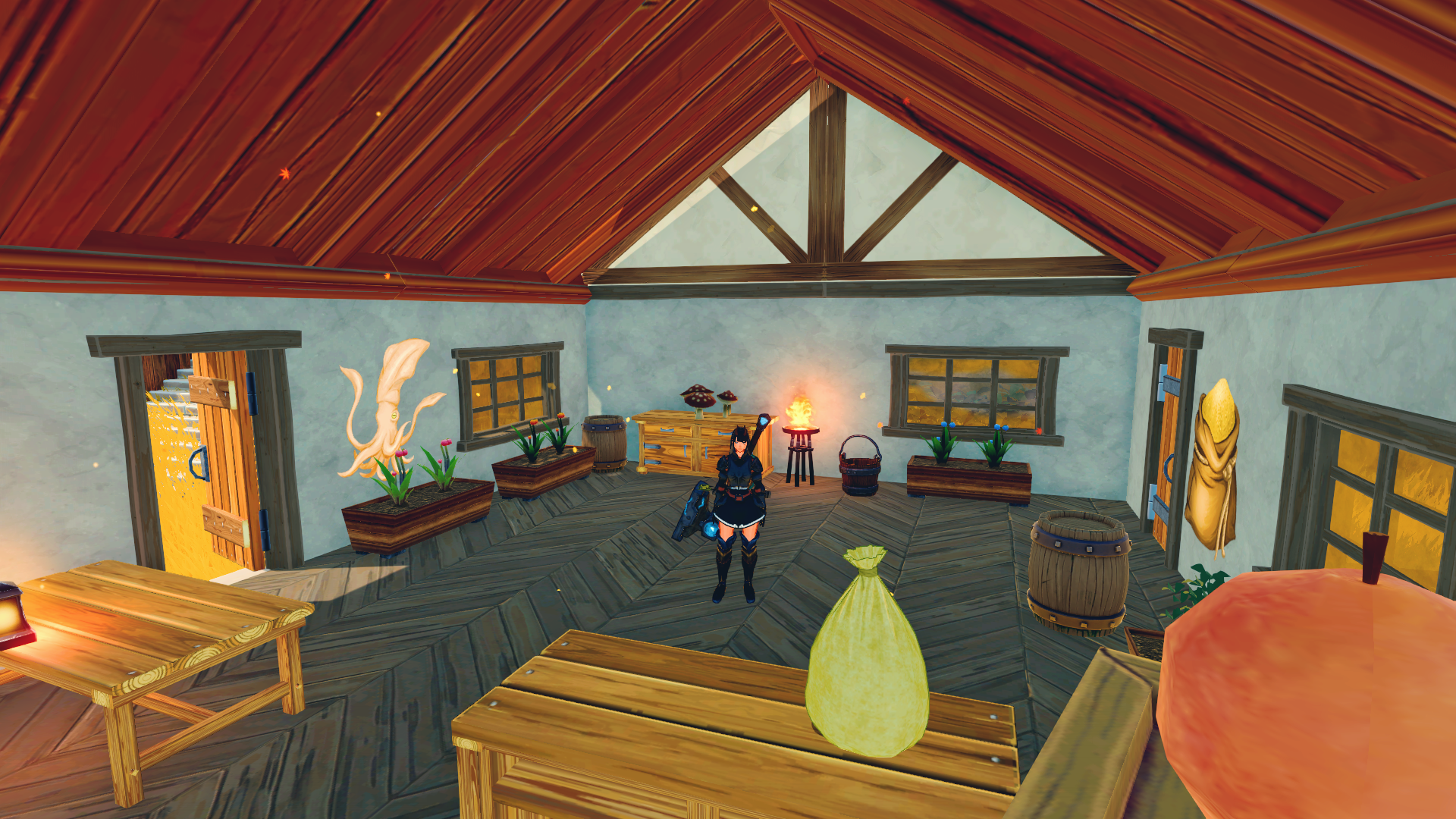
The pantry is still a work in progress, but I’m pretty pleased with it so far. It has different wooden textures inside, and wooden planters. Some plants (like the herbs you can see in the planters), can’t be grown in the big garden plots you can see outside of the house. I played around a bit with item placement, and managed to place down some giant fruit and vegetables on the wooden storage boxes. Ps. the squid sticker is moved to another location.

Craftopia: re-building

Been playing and building and having a lot of fun in Craftopia lately. I hope they manage to make it more stable, and that multiplayer will be playable soon. There are some pretty bad glitches and errors that can occur through multiplayer. The worst one I’ve had so far is being unable to use my weapons.

Re-building

I decided to re-build the base I migrated from, on one of the first islands you get to in the game. The island system is different for every world, and on this world, I started off from a bridge island. It has two small islands and a giant bridge in the middle of the map. Not a whole lot of things going on, so a nice place to put up a base.

House on the far left is the resident house, with some small crafting stations, the bed and some furniture. House in the middle is the kitchen and cooking house, and to the right is the workshop. All the way to the far right is the marketplace.

Resident house

The resident house where the bed is. The bed, like in most survival games, are the place you’ll respawn if you die. I tried making it more like a home, and played around with some item placement. The outside has a tiny garden patch, and I thought it would be nice to have some vegetables growing underneath the balcony. On the inside you can see it’s pretty crowded, but I wanted to make the house both functional and nice at the same time. I tried placing some items on the floor, and make them float, and then place furniture on top. This is to make the items “rest” on the furniture (the antler hat on the side table by the bed and the mushrooms and flower on counter). This does only work with objects that turn 3d on item placement. As you can see, the potions are floating on top of the counter.

The kitchen

This is the re-built kitchen. I learned a lot of decoration and placement since I first began, and have been trying to make the houses nice and cozy, not just functional. I have been working a lot on trying out different things. The flowers can be placed with an item stand, and you can place a ceramic vase under it to make the flowers appear like they are standing in the vase. But alas, the game does move things every time they load, so the vase glitched out of place and did not want to go back. Some items appear 3d (flower) and some 2d (mug of milk and the fish filet). I’ve been trying to play around with the different item placements to see how I can decorate the houses.

The workshop

This is the workshop. And here you can see how I tried to play around with the item placement. On the top image, I found out that the stones and wood are 3d objects when placed, so I tried placing them on a counter top. Unfortunately, a lot of items “float” and will not be sitting nicely on the item you place them on. if you look closely, there is a small circular shadow underneath the stone and wood, that is the item placement stand. On the bottom picture you can se the other side of the workshop. A similar item stand is used for the cogwheel, and this appears 2d when placed. But it still makes a nice wall decoration.

The market

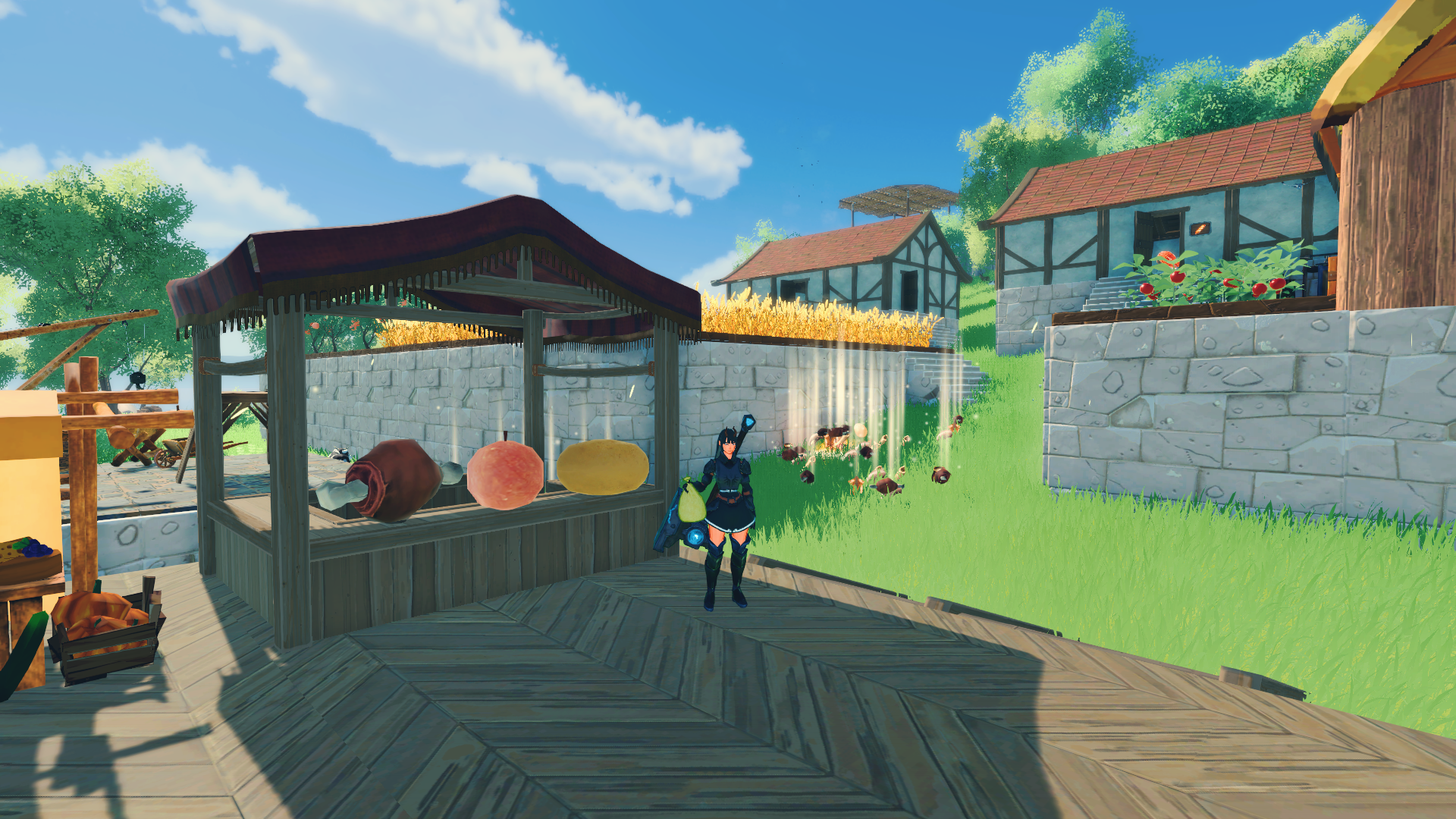
I tried making a small market area where I placed down different crafting stations and machines. The top picture shows the market stall I build, and the vegetables and fruit I placed on the stall to make it look more authentic. To the left is the market where you can sell items. On the right side is the seed extractor (make new seeds from crops), and the repair station (yes, equipment wears down when you use them). All the way in the back is the machine factory, where you can make vehicles like the helicopter or motorcycle.

Craftopia: introduction

Sort of introduction I guess…

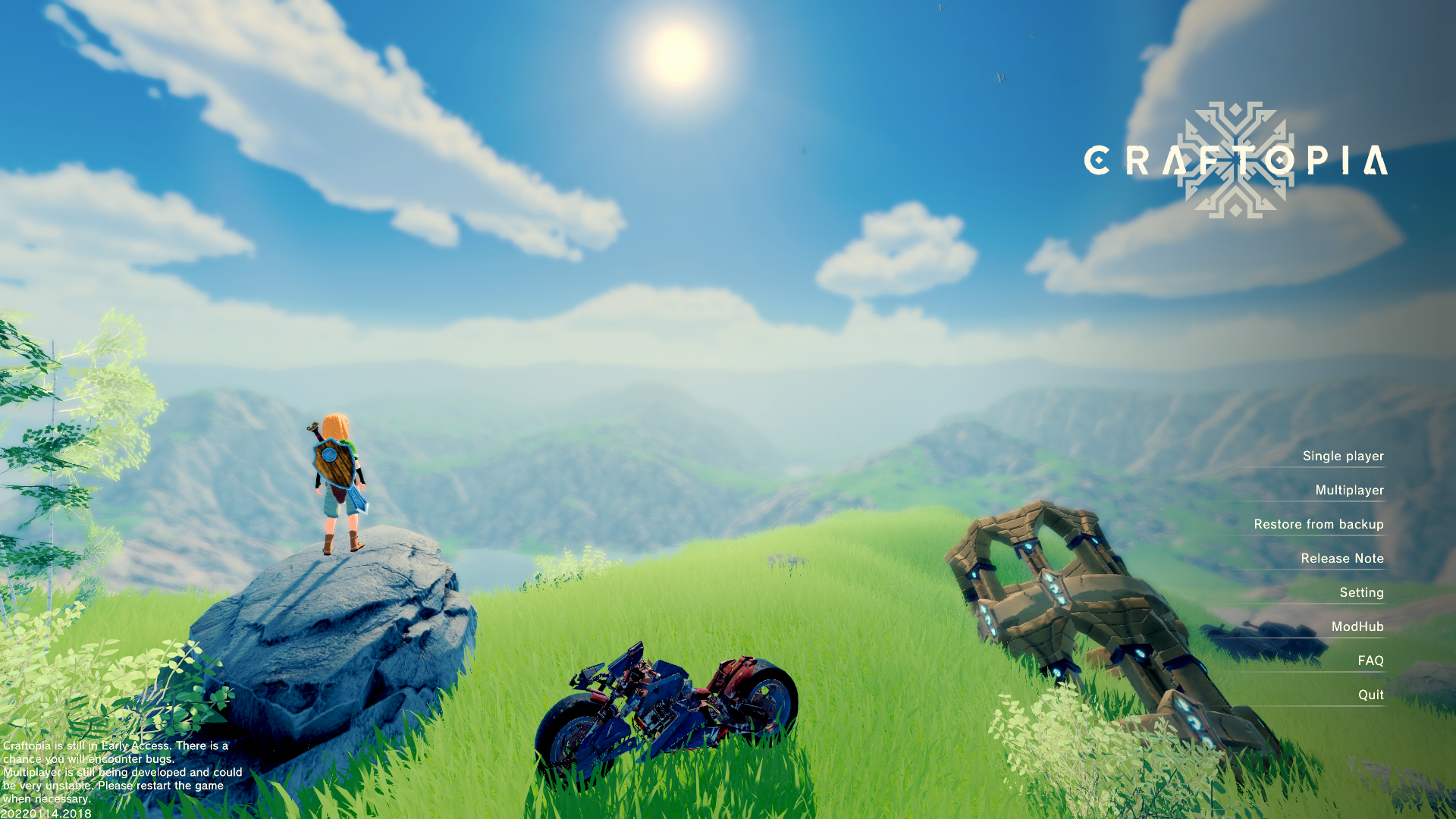
Game starts off with destroying the world, but do not fear. The gods has granted you a second chance, please go forth into the world and build and stuff. You can chose from 3 different races; humans, elves or demons. You can also chose male or female (armor looks different for the different genders). The game is still in development, and is in the early access stage. I hope it will one day become a full game, but I’m afraid it will be stuck in early access for a long time still.

Starting the game: island of beginning

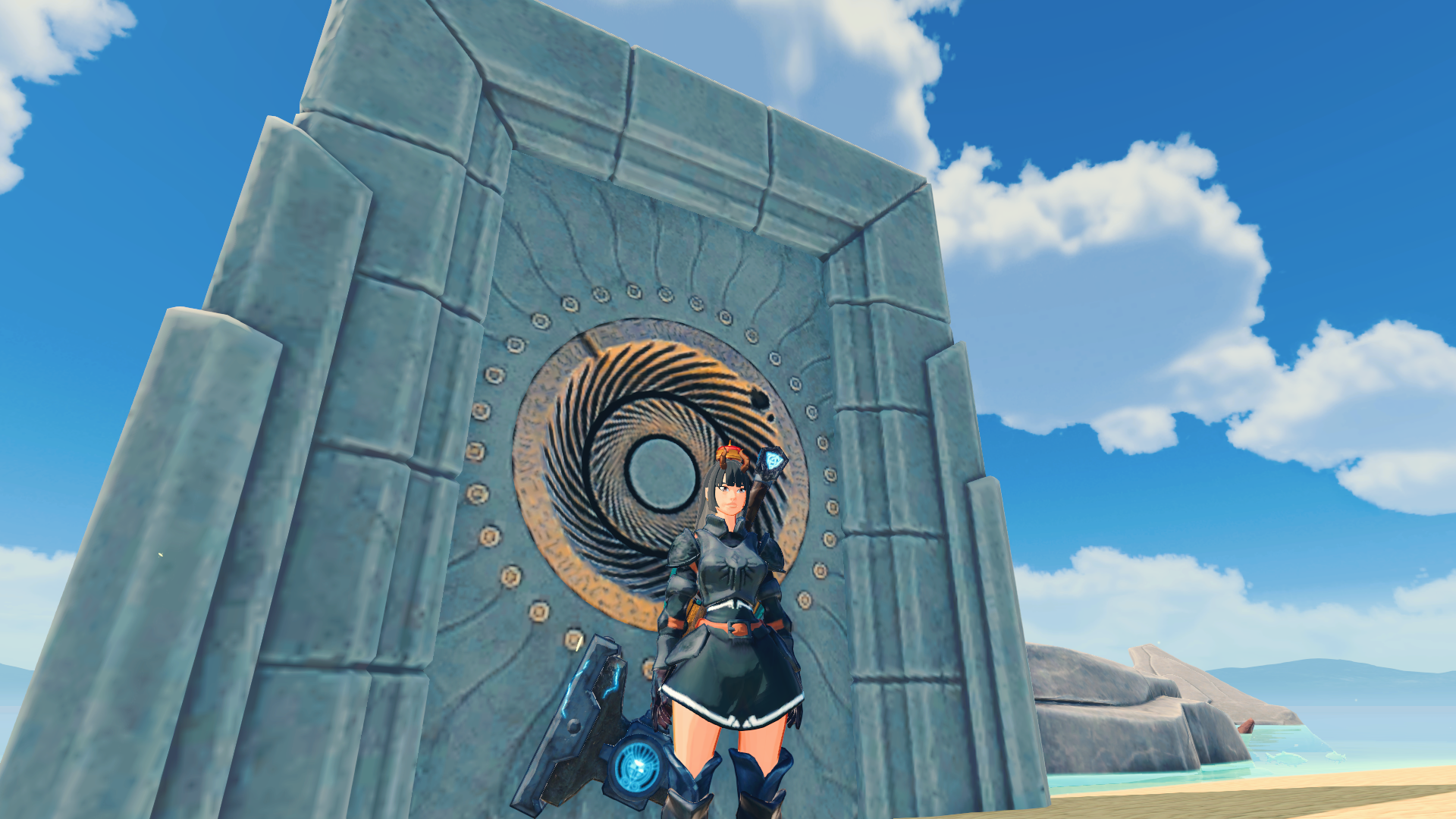
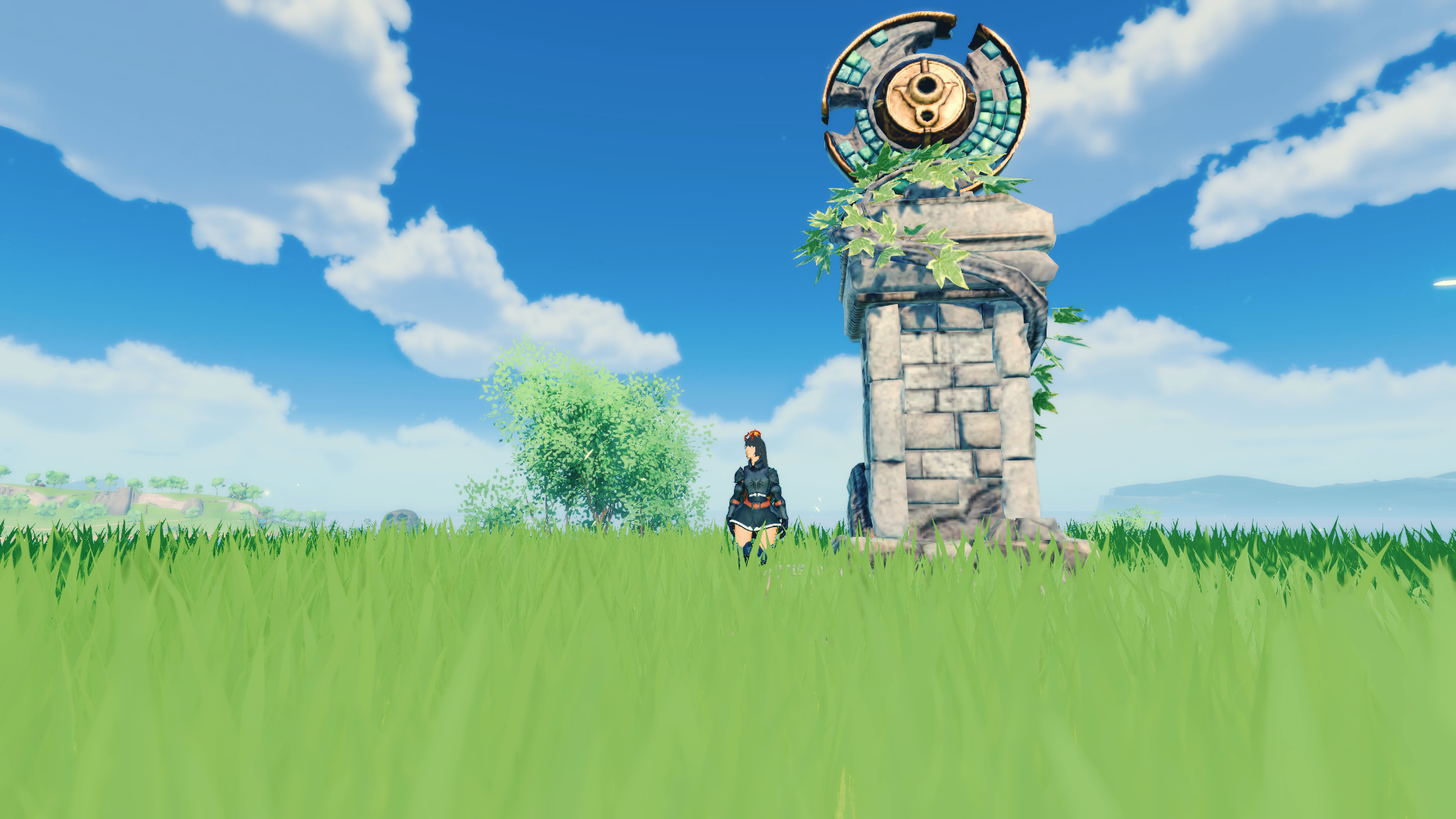
When you first start the game, you start on the island of beginnings. You only have the bare minimal, which is basically nothing. You start off with hitting trees, rocks, bushes, sheep, cows and monos with your bare hands. Don’t try the bears without any armor or weapons, trust me. Building a small starter base is not a bad idea either. The starter island also has a few dungeons you can challenge to get better items and materials. When you have gotten used to the controllers and the flow of the game, you can visit the transportation potal, and unlock different other islands (that big chunk of portal in the picture above).

Unlocking islands

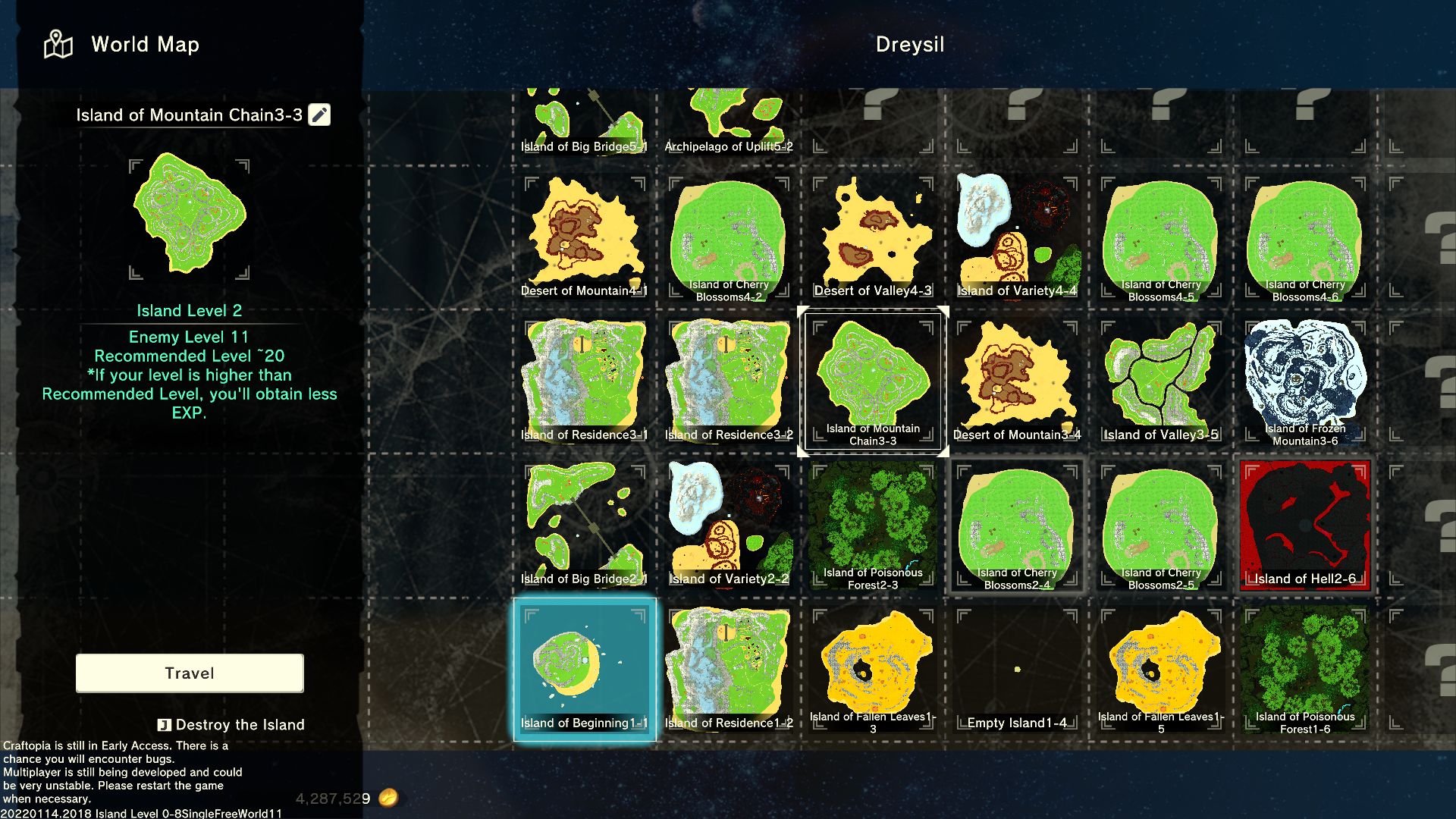
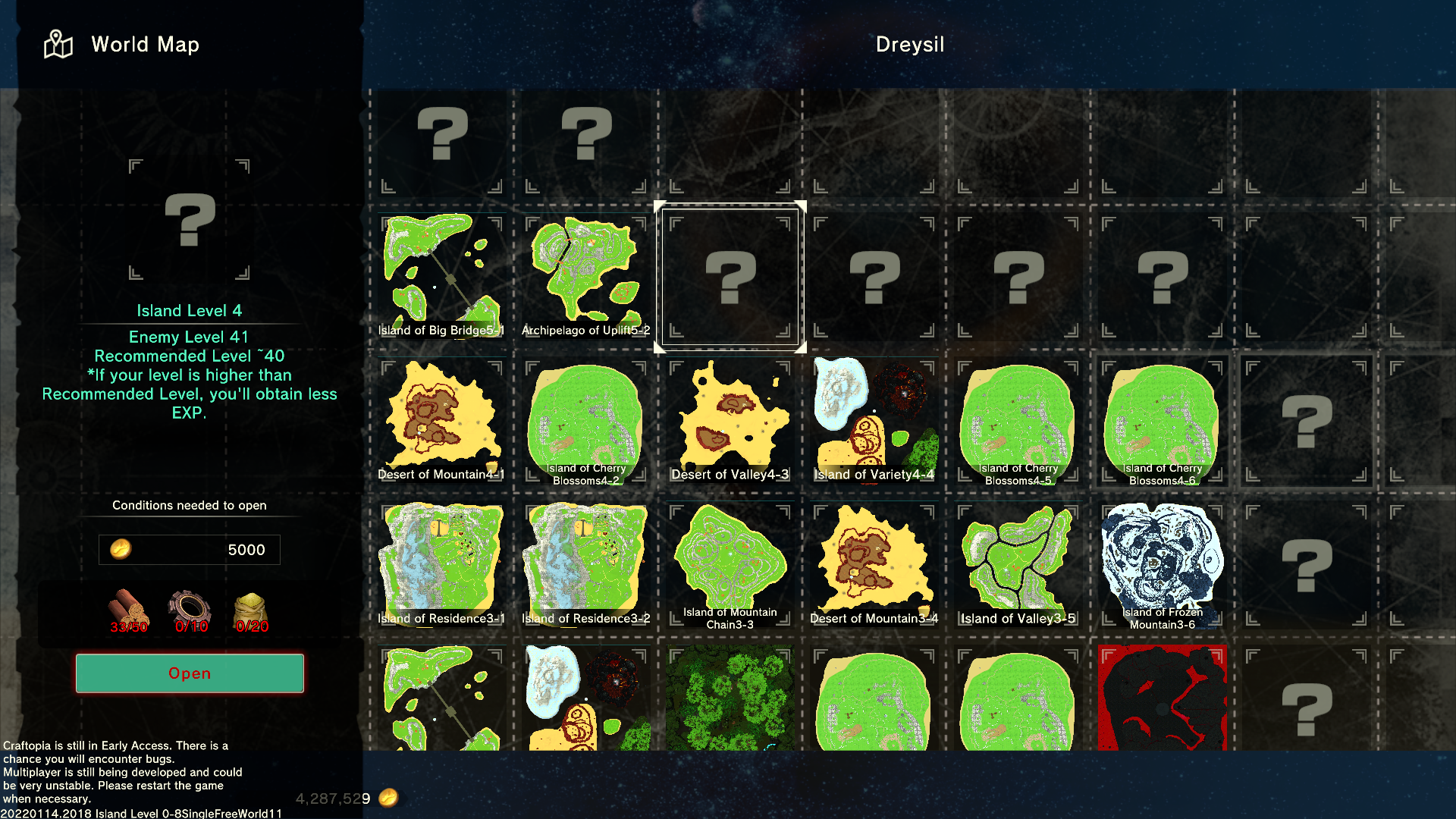
You start off in the far left bottom corner of the map world, and can start unlocking new islands. Each world has a random selection of islands in different places, and there are a few different bioms you can get. The layout of the islands are always the same (the sakura spring islands are all the same, the bridge islands are the same etc). As the island levels are getting higher, so are the levels on the mobs and the dungeons are getting harder too. The field bosses drop different or better items and at higher level islands, the same goes for the dungeons and mobs. This map is my Dreysil world.

Progress your civilization

Another good idea is to build the altar of civilization and start gathering materials to level up your civilizations. You can do this at the same time as you start unlocking islands. Levelling up your civilization will grant you more items to craft and build, and you need it to start unlocking some of the islands as you progress. Better gear to craft, better equipment, better or more building materials, better machines are some of the rewards for reaching a new age for your civilization. Before starting to exploring new islands, it’s a good idea to get some better gear and equipment, you don’t want to run around in your underwear!

Start island hopping and explore

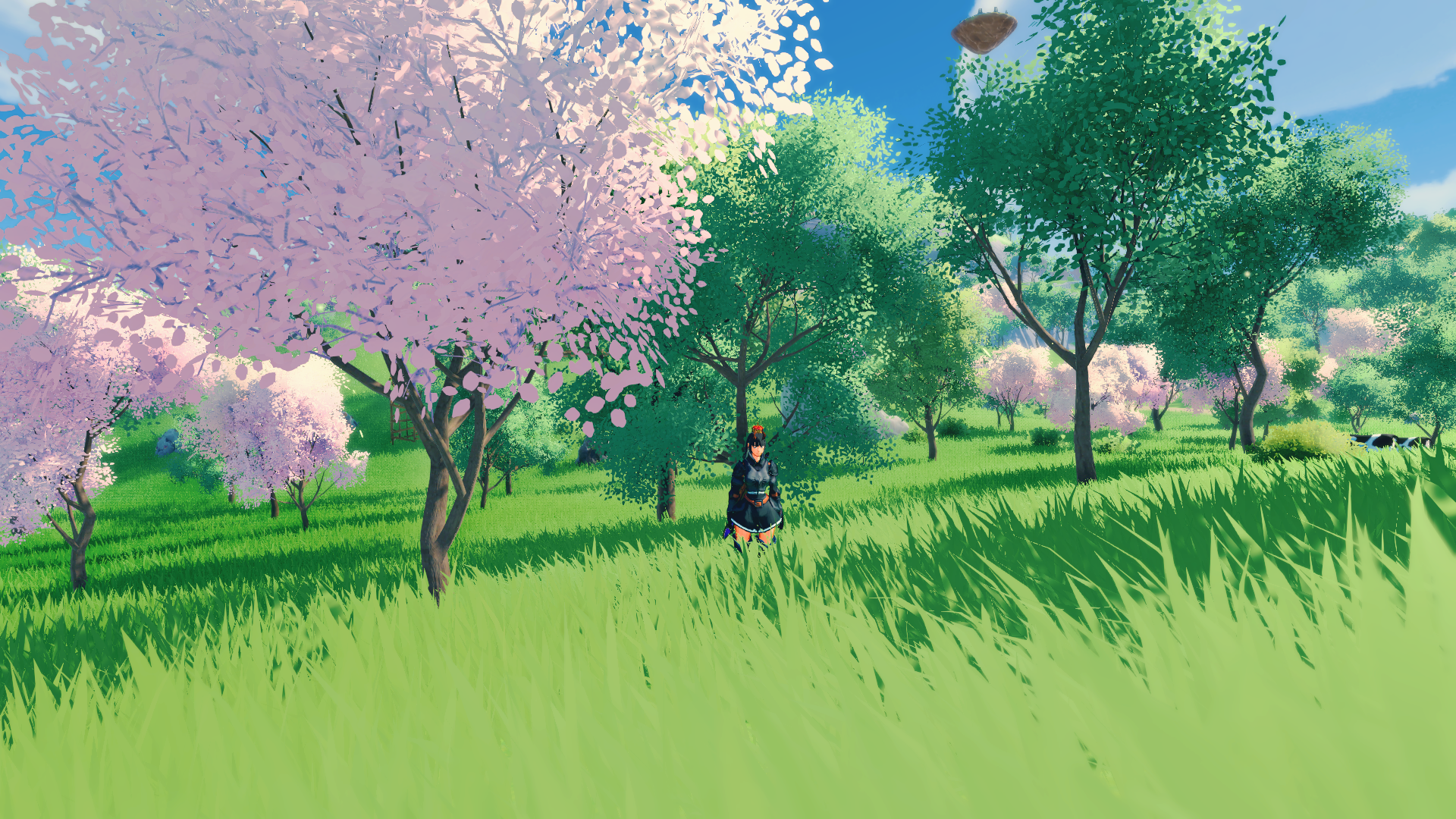
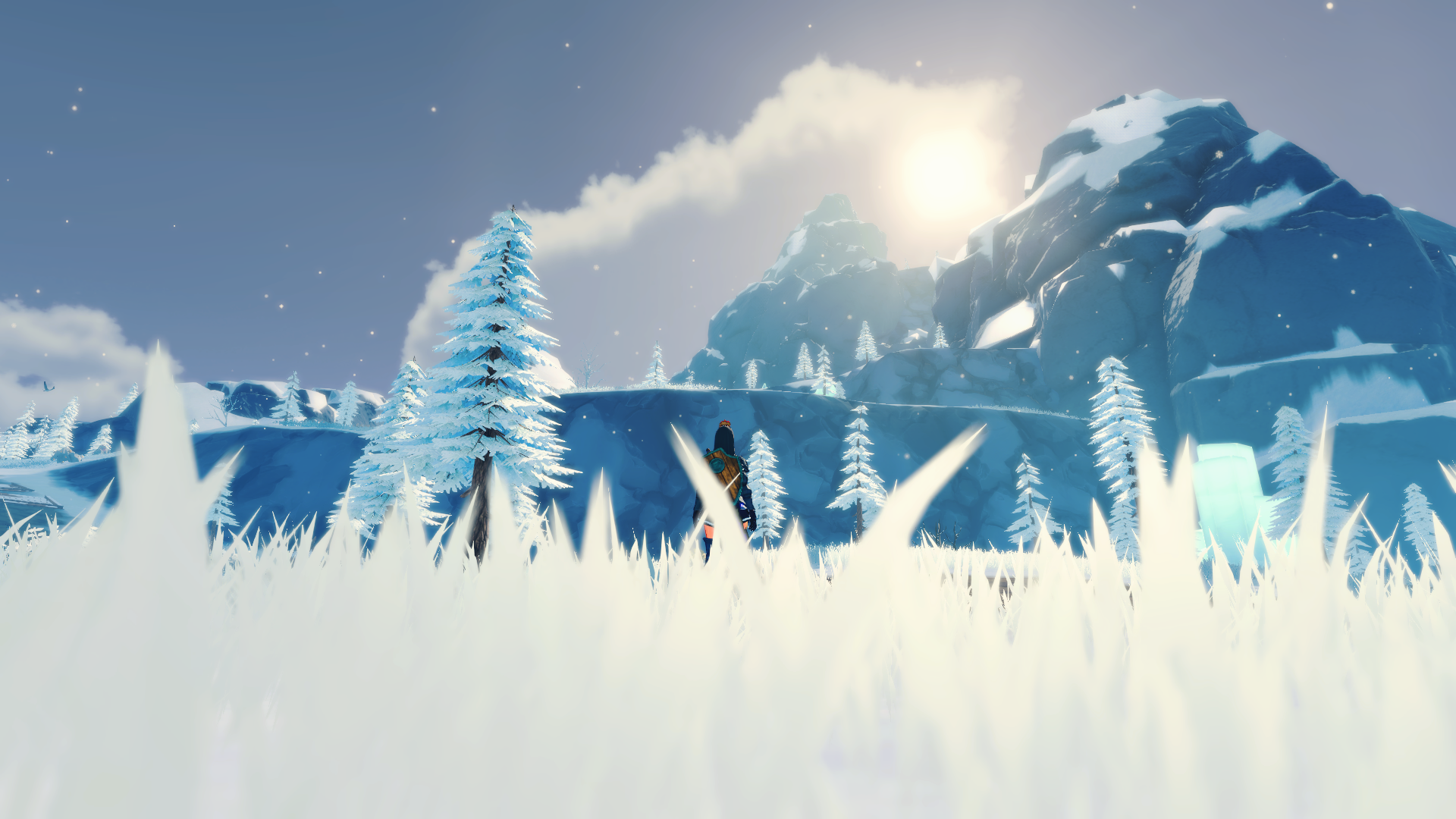
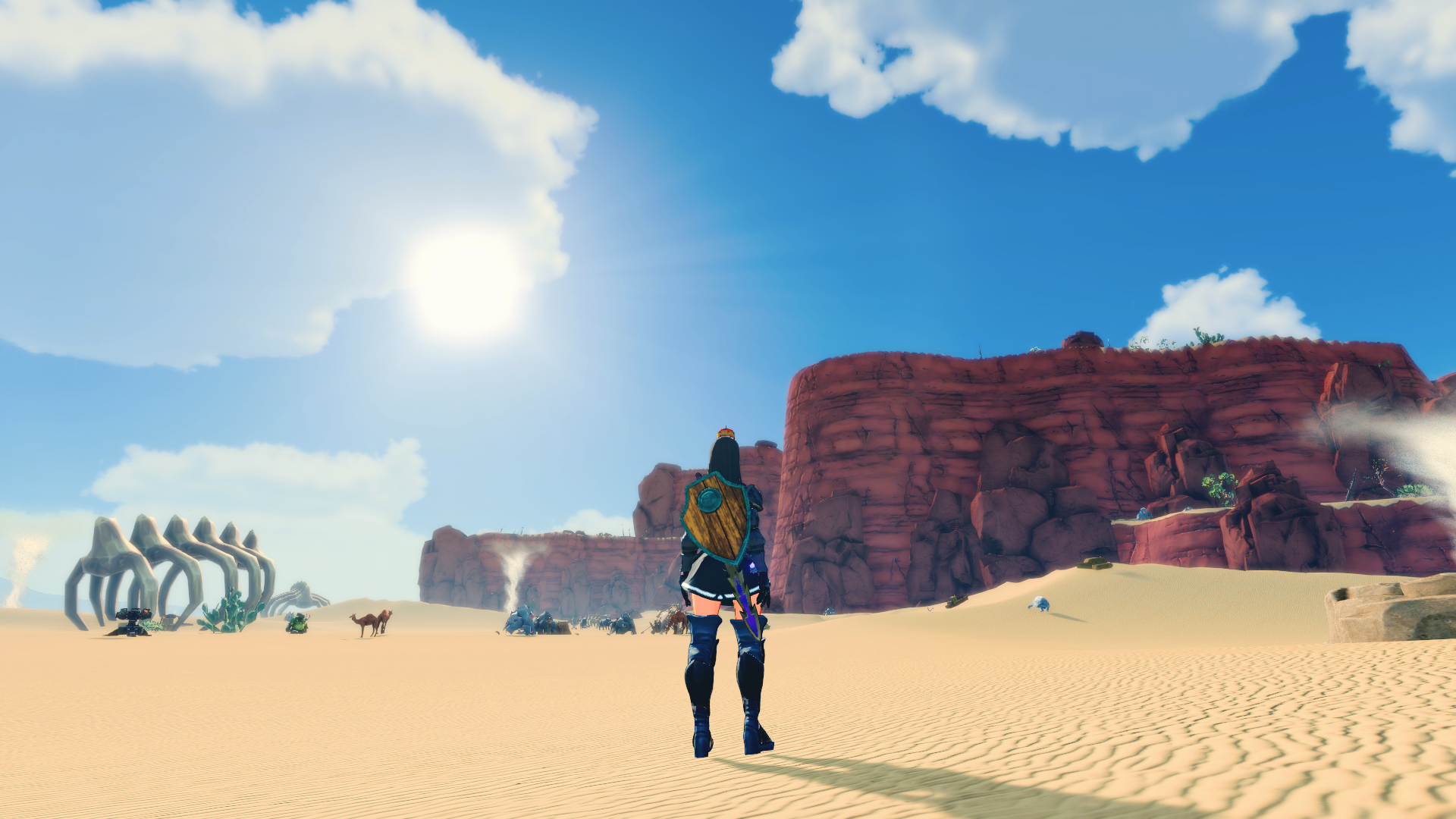
Example of different bioms: Poison island, sakura spring island, winter mountain island and desert mountain island.

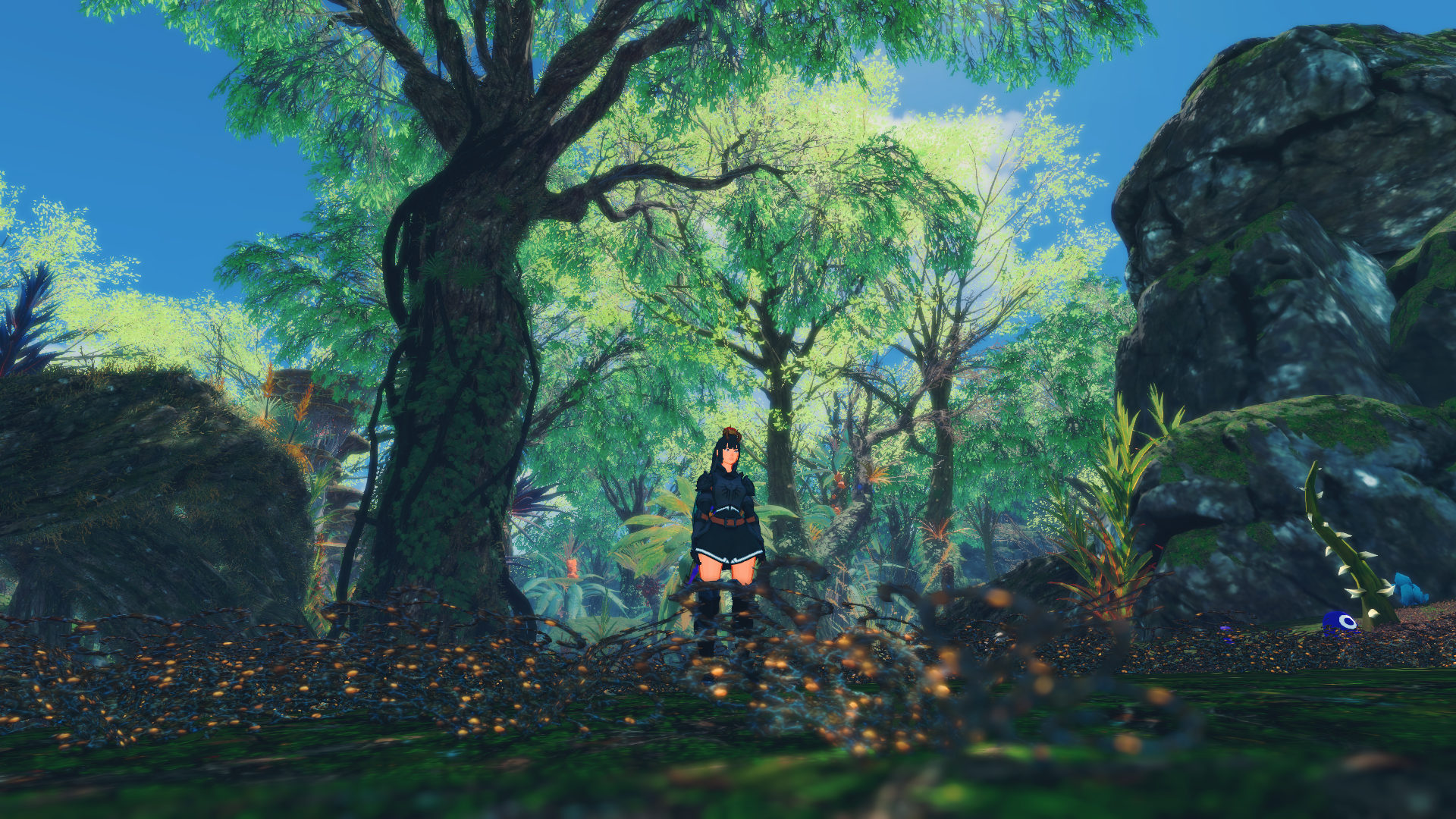
When you have unlocked some better materials through the altar of civilization and unlocked some islands, it’s time to explore! Remember some bioms have special requirements (frost, poison or fire reduction/immunity). Some mobs can only be found on certain islands, and some items can only be found on others. The funny thing about Craftopia is the enchantment system, it’s wild. You can get a lot of weird enchantments like wet, raw, fried fish (or weapons and building materials). The different enchantments give different buffs or de-buffs.

Inventory and earning experience

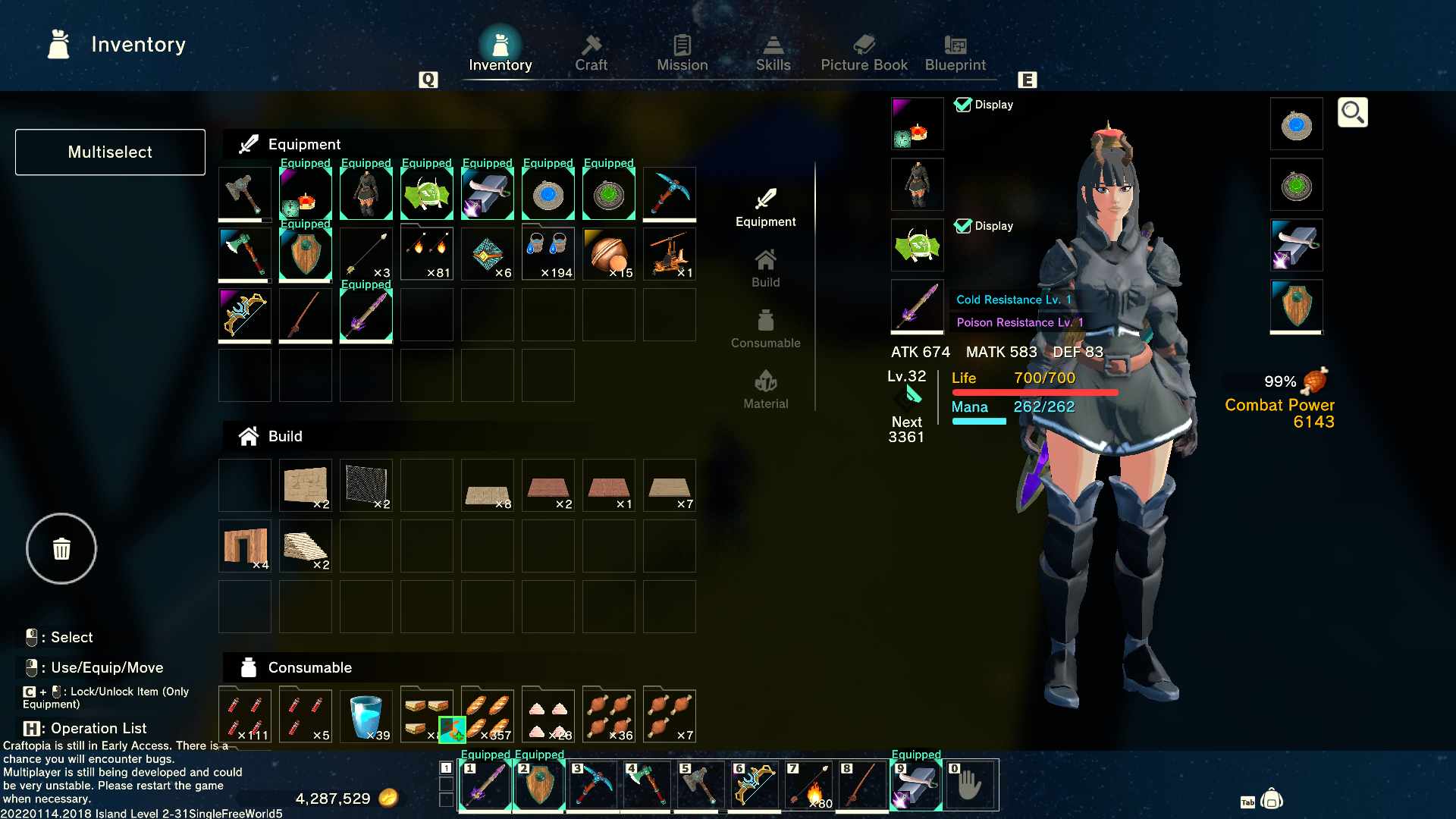
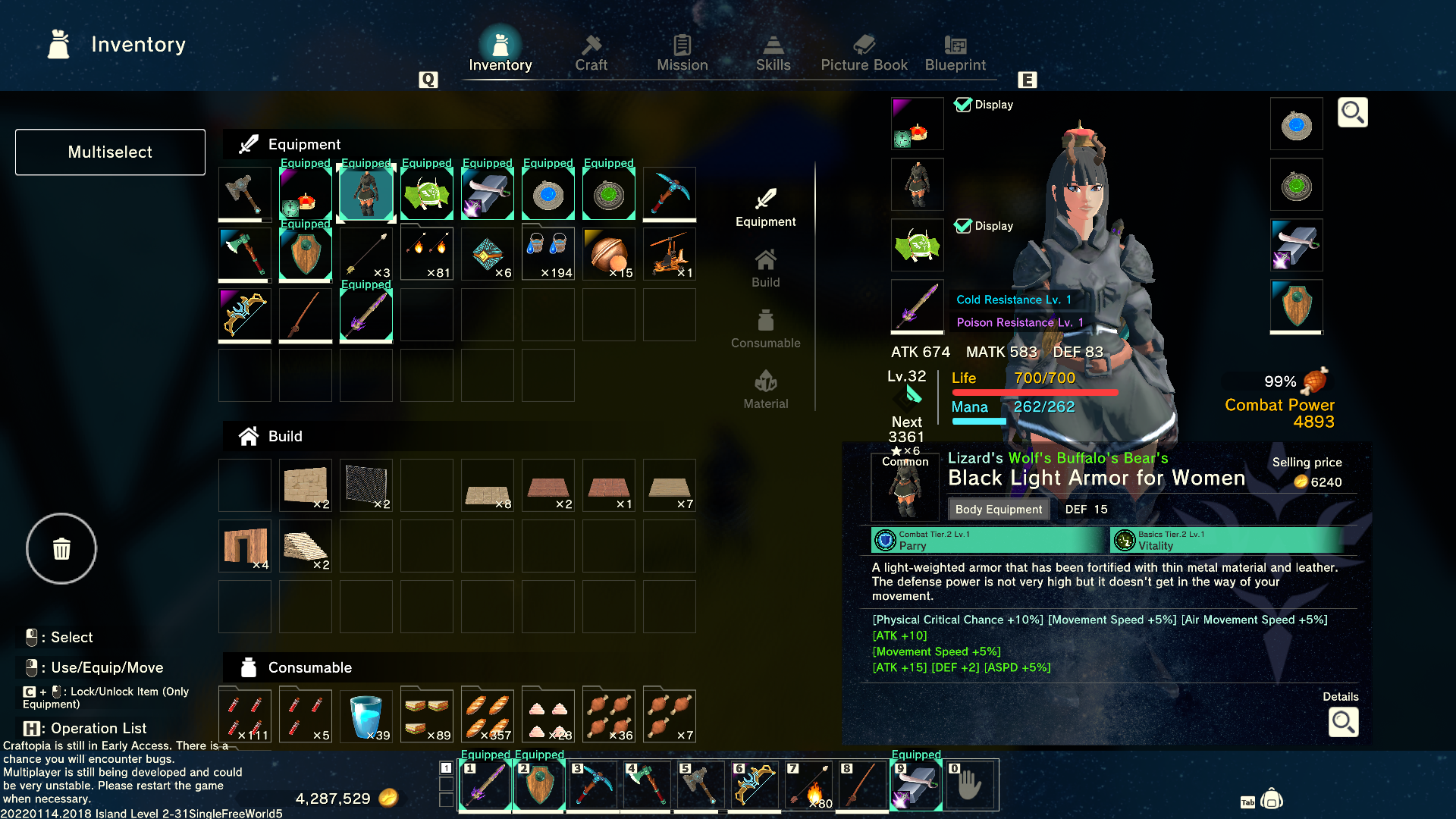
Defeating mobs, field bosses, dungeon mobs and bosses, completing objectives and crafting will earn you experience. In the beginning you level up really fast, and it’s pretty easy to understand how to get experience points. There are also perks and skills you can unlock when you level up. Each level will give you a skill point you can spend to gain better skills or perks. Completing missions will also sometimes give you extra inventory slots (yay)! There are also different inventory categories, which is great. Equipment, building, consumables and materials in general all have different slots, and you can stack up to 4 bulks (usually 100) of the same items (but with different names) in one item slot. You can see the examples of that in the consumables inventory section.

Gearing up

It’s is also a good idea to start thinking of gearing up with the right materials after you’ve gotten used to the game, and I guess here is the most time consumable and boring part. Grinding mobs and bosses for parts and crafting materials. You can chose to do different builds like archer, mage, one handed, two handed or katana builds. I’m not going to write a guide on that, but for now I’m trying out one hand sword and shield. It is also possible to do dual blade fighting.

With combining different materials when making gear, you can end up with some funny, weird or just outright powerful enchantments. I’m still beginning/mid game I think, and still have yet to craft even better gear and get better enchantments on my gear. I tried combining tons of different animal leather for my armor, and ended up with the picture shown above. Lizard’s Wolf’s Buffalo’s Bear’s Black light armor for women. The different enchantments are sometimes listed in different colours and you can see what buffs or de-buffs they give in the description.

Building and automating

Some of the things that are pretty fun in Craftopia, and the thing I like the most is building. I don’t mind spending time to do all the grinding, but it can get a bit boring. The option is to set up automated farms for different purposes, often not on your main island because it can cause the island to lag a lot due to the amount of items that are in one place. Adding sprinklers to your garden fields, and you don’t have to manually water your wheat fields. Adding an automated harvesting machine, and you don’t have to harvest all your crops yourself. Adding a fan, some conveyer belts and a storage locker or container, will make the items drop into your containers automatically! For aesthetic purposes, I have not yet set up any automation other than the sprinkler on my bases. I do plan to try out some animal farms to get materials, but I haven’t gotten to it yet.

Launch trailer - welcome to yeet island

When I first started playing this game, we just called it yeet island, cause that is what you do in the beginning. You hit some monos (the blue blobs) and they kinda get yeeted all over the place. You make yourself a fishing rod, and fish. And fish gets yeeted all over the place… I have yet to try the pet and riding functions in this game.

Seamless map trailer

I was actually super excited for this trailer, and I hope it will go as smoothly as it’s shown! So many possibilities for base building and having fun when it launches.